Telegram bot guides
25 guides to the parts of Telegram bots that actually trip people up, tokens and permissions, why a bot goes silent in a group, webhooks against polling, rate limits, payments and attribution. Each one answers a specific question and says where the mistakes are.
Watch instead
All 50 videosShort screen recordings of Botable itself, the product rather than the protocol. Each one plays on the video hub, with its transcript underneath.
 Getting started
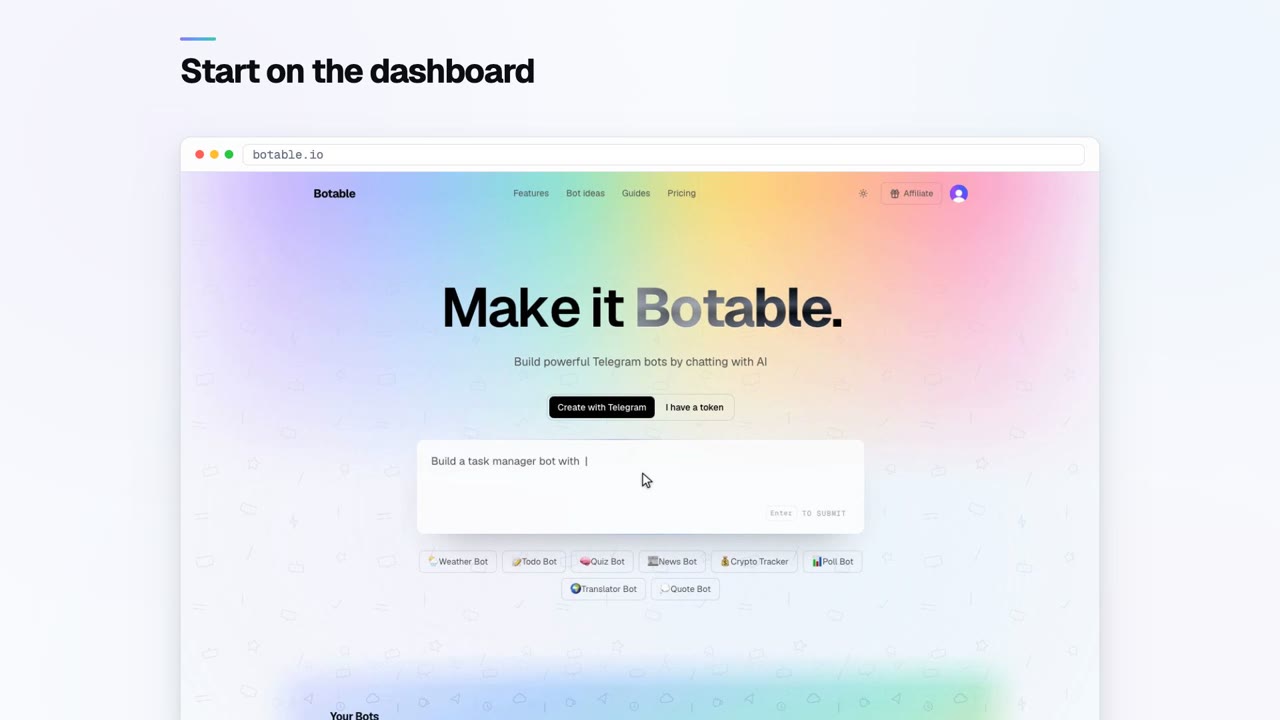
Create your first bot
 Getting started
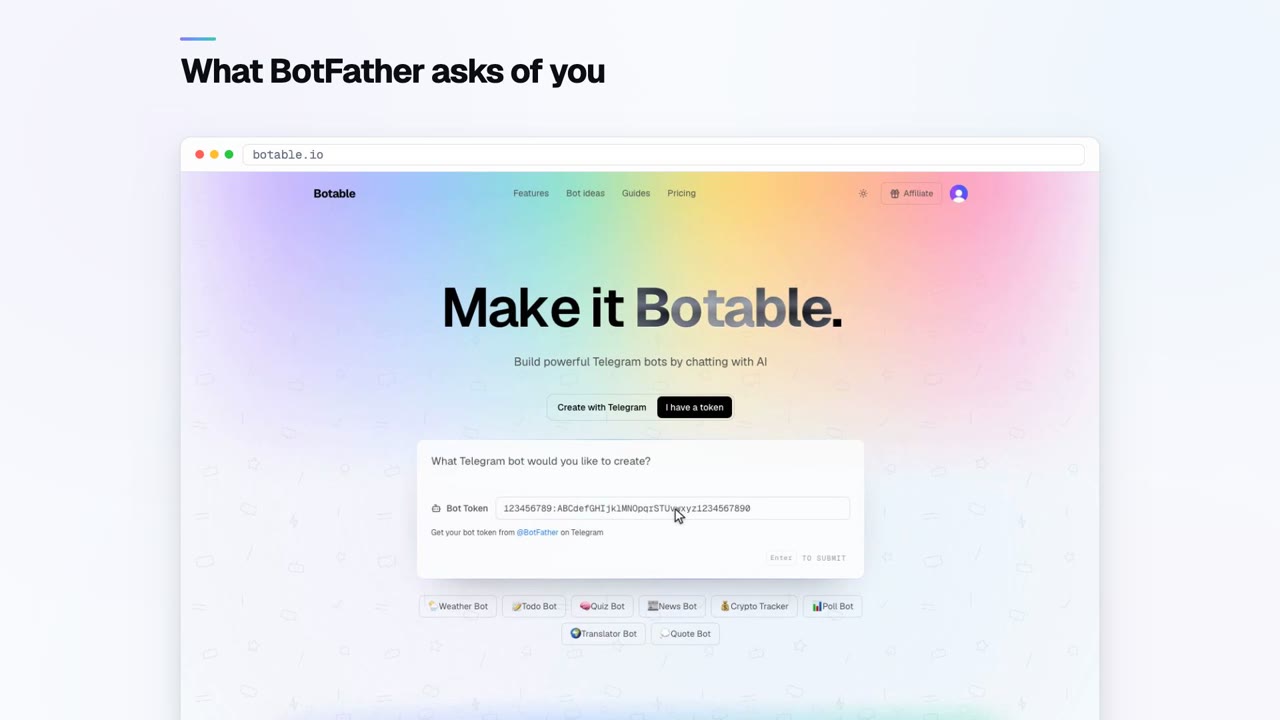
Create a bot without BotFather
 Tokens and access
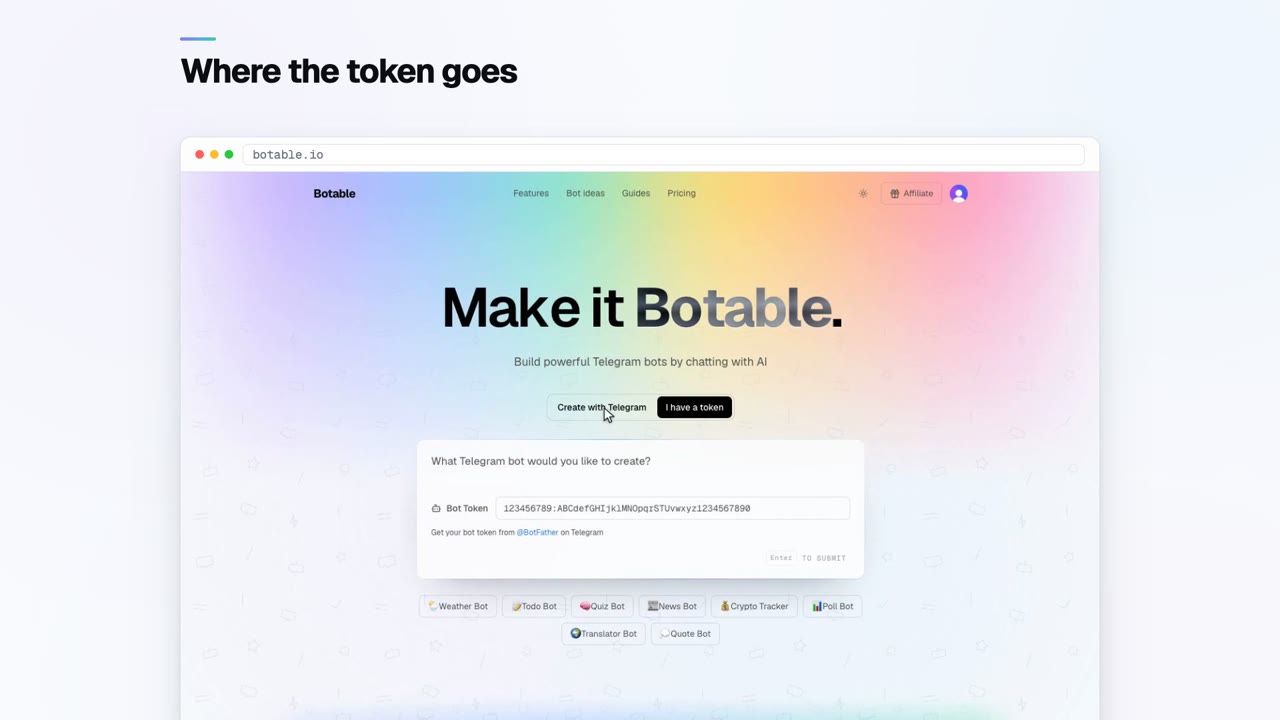
What a bot token actually is
 Building your bot
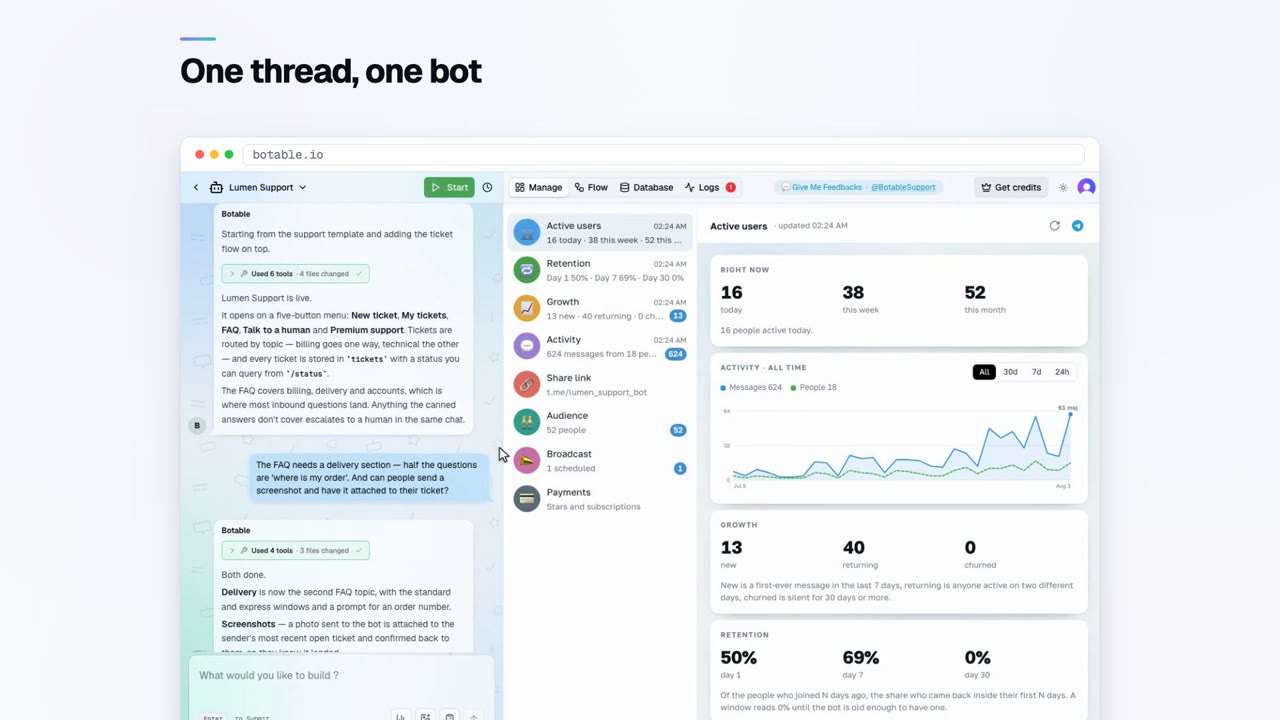
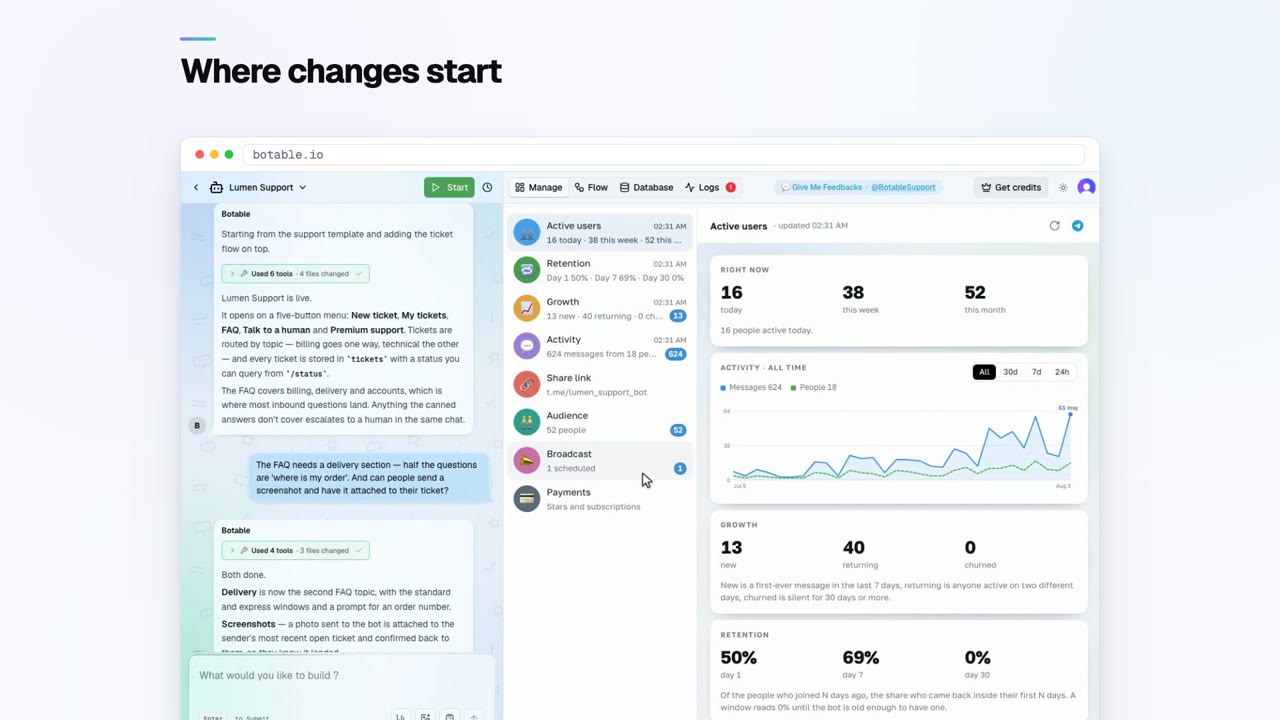
How to ask the builder for a change
 Working with the agent
See the plan before it builds
 Understanding your bot
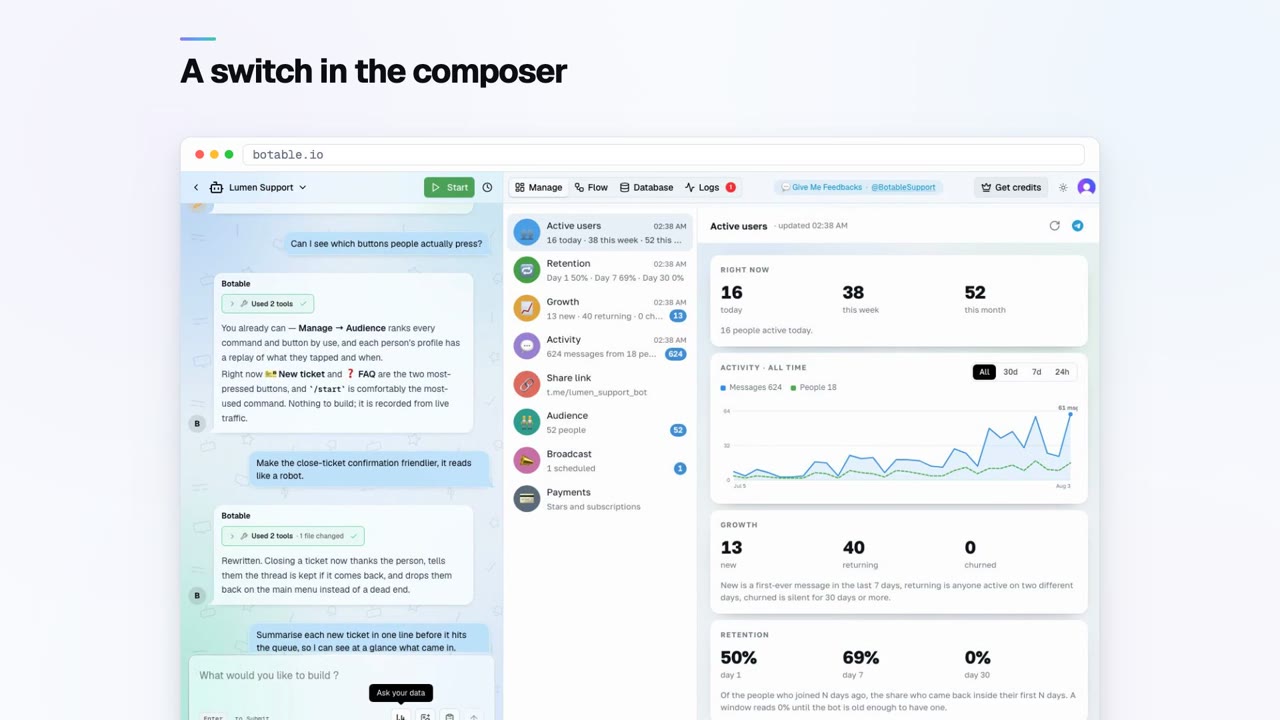
Ask your data in plain language
 Running your bot
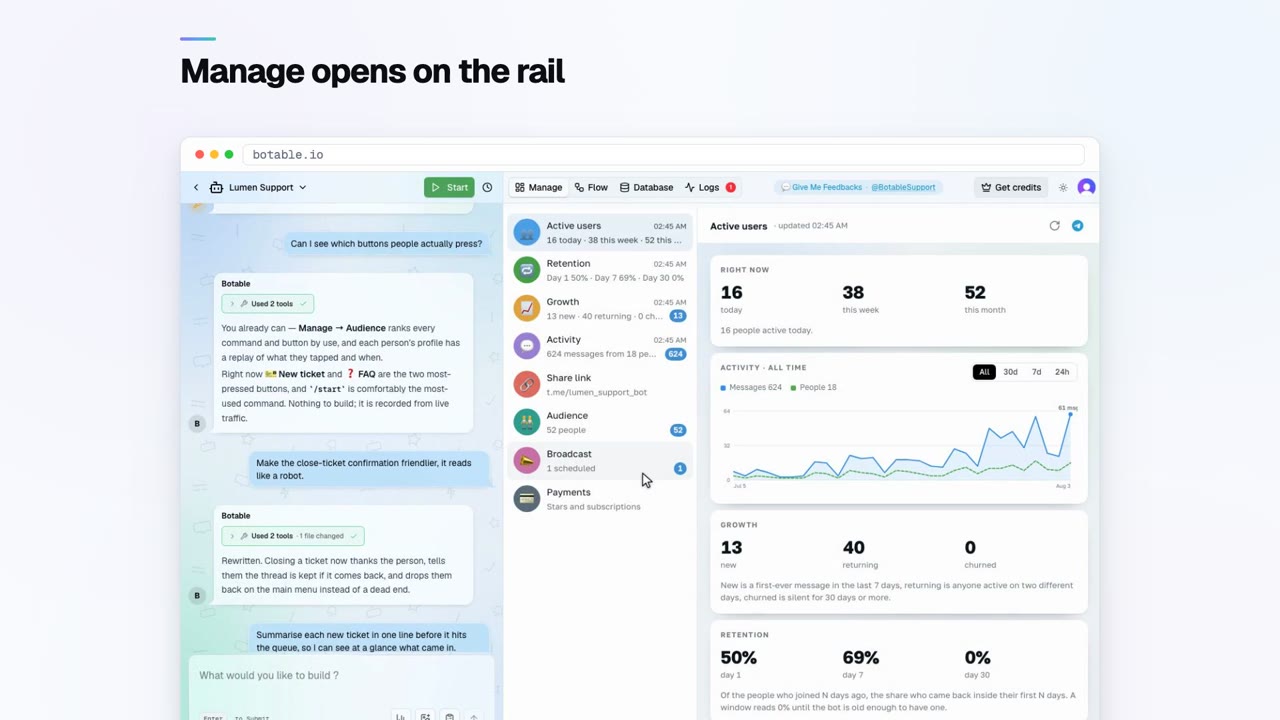
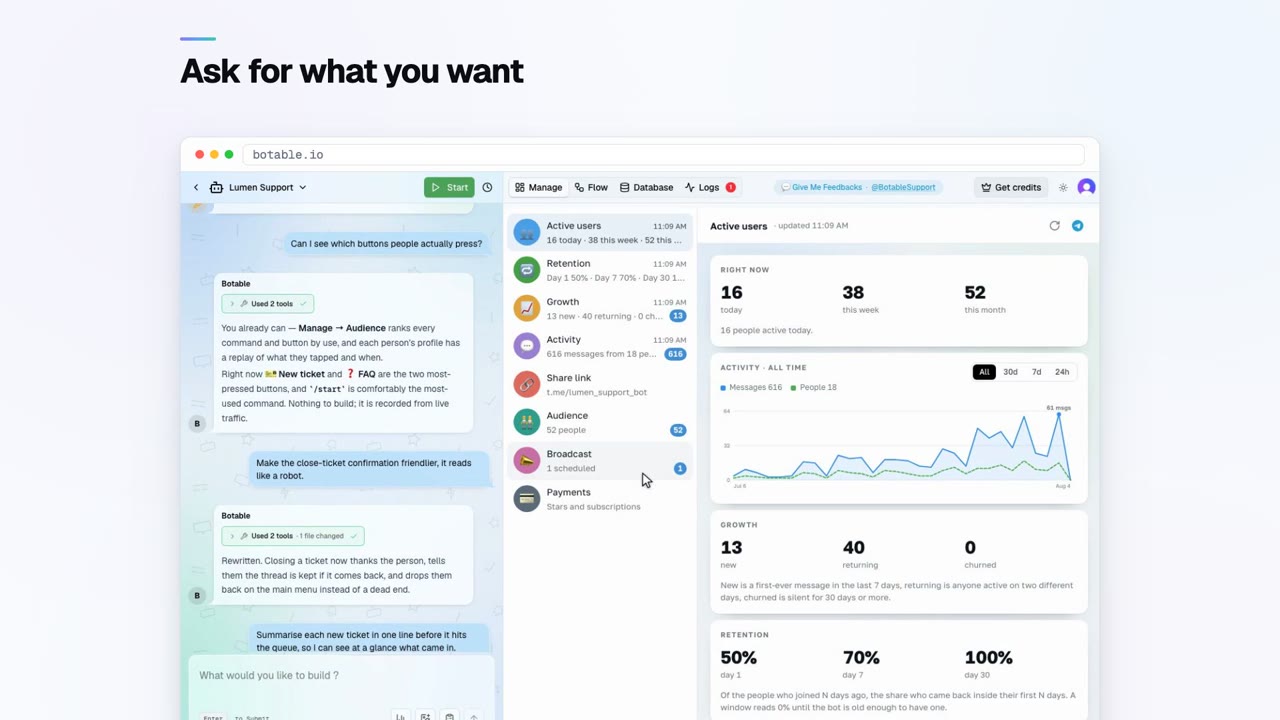
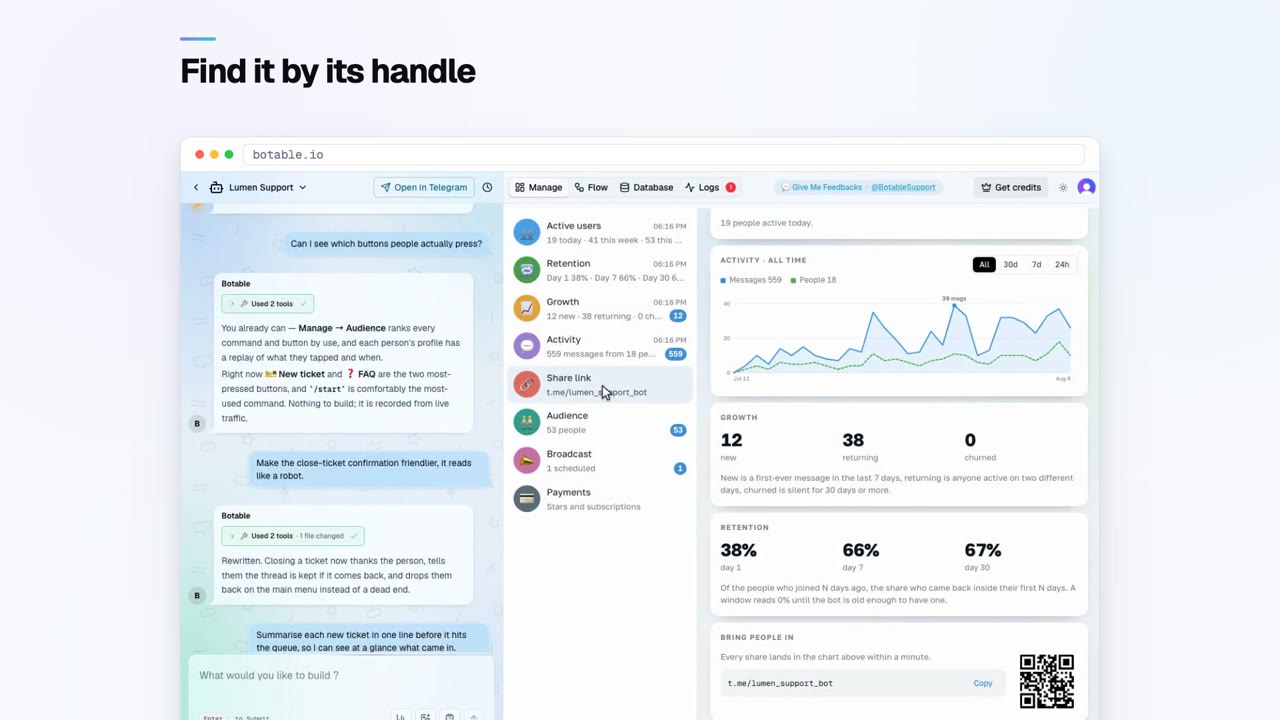
The Manage dashboard, row by row
 Running your bot
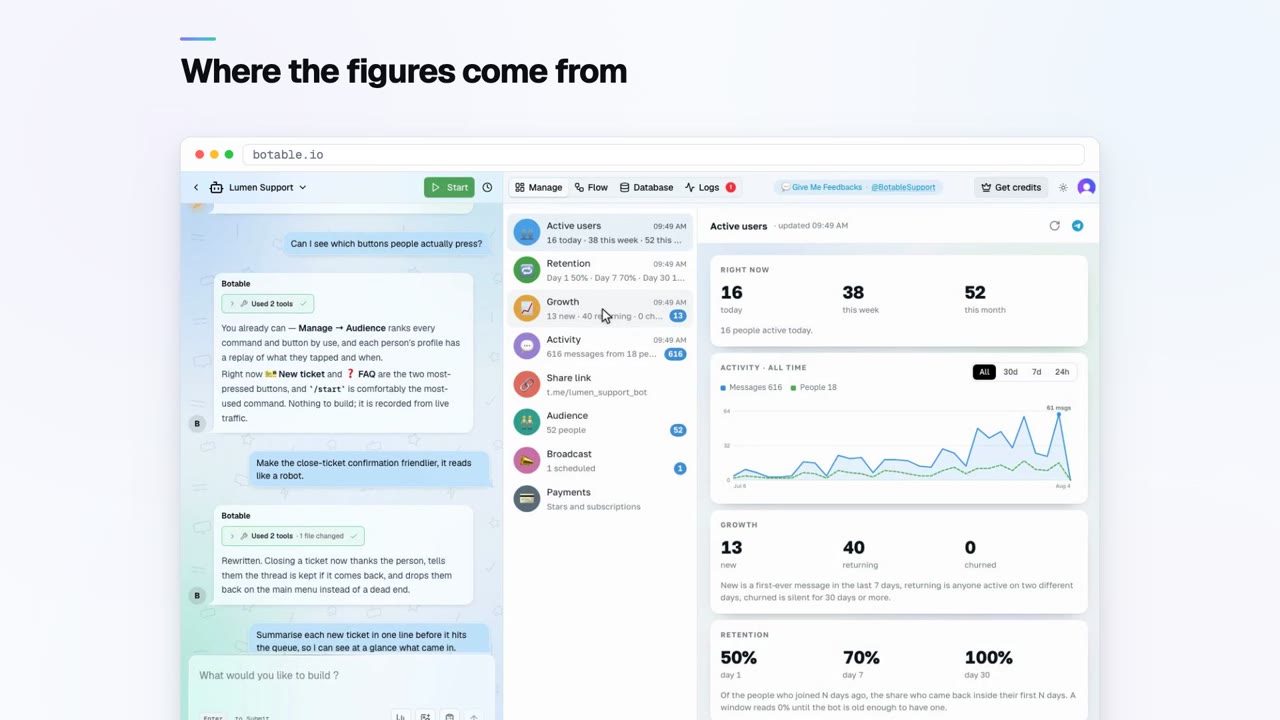
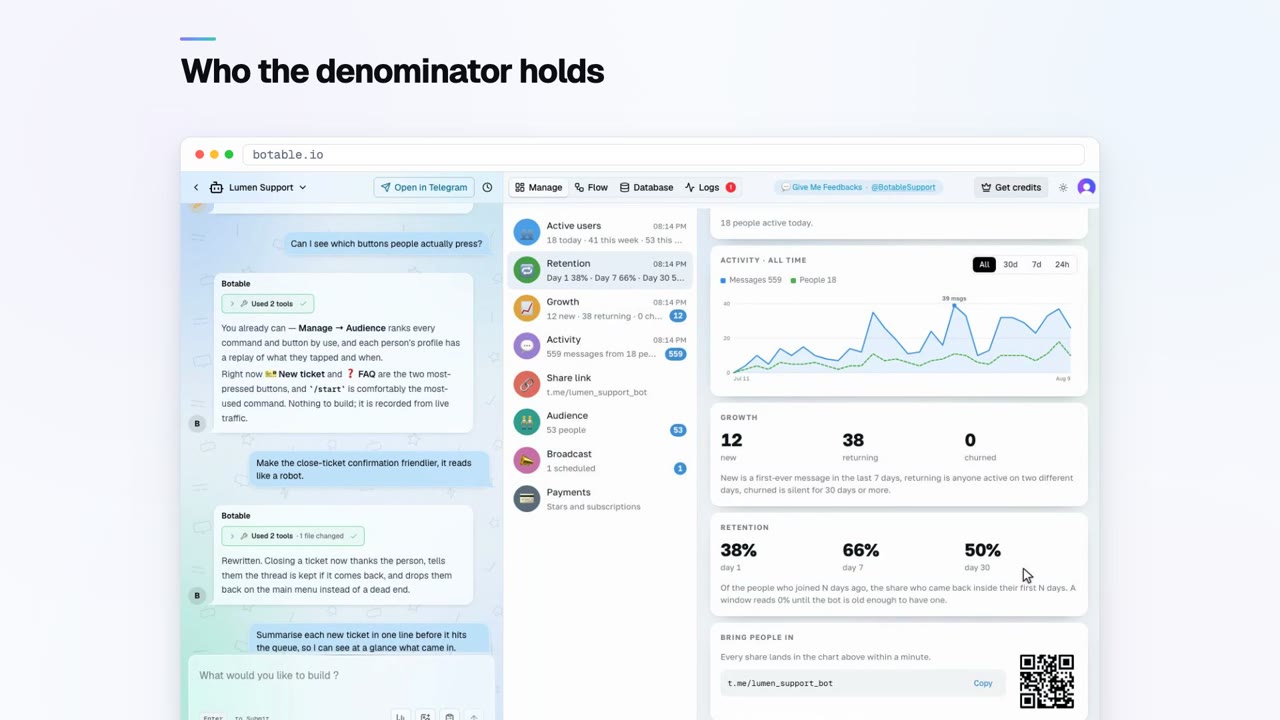
Read your bot's analytics
 Running your bot
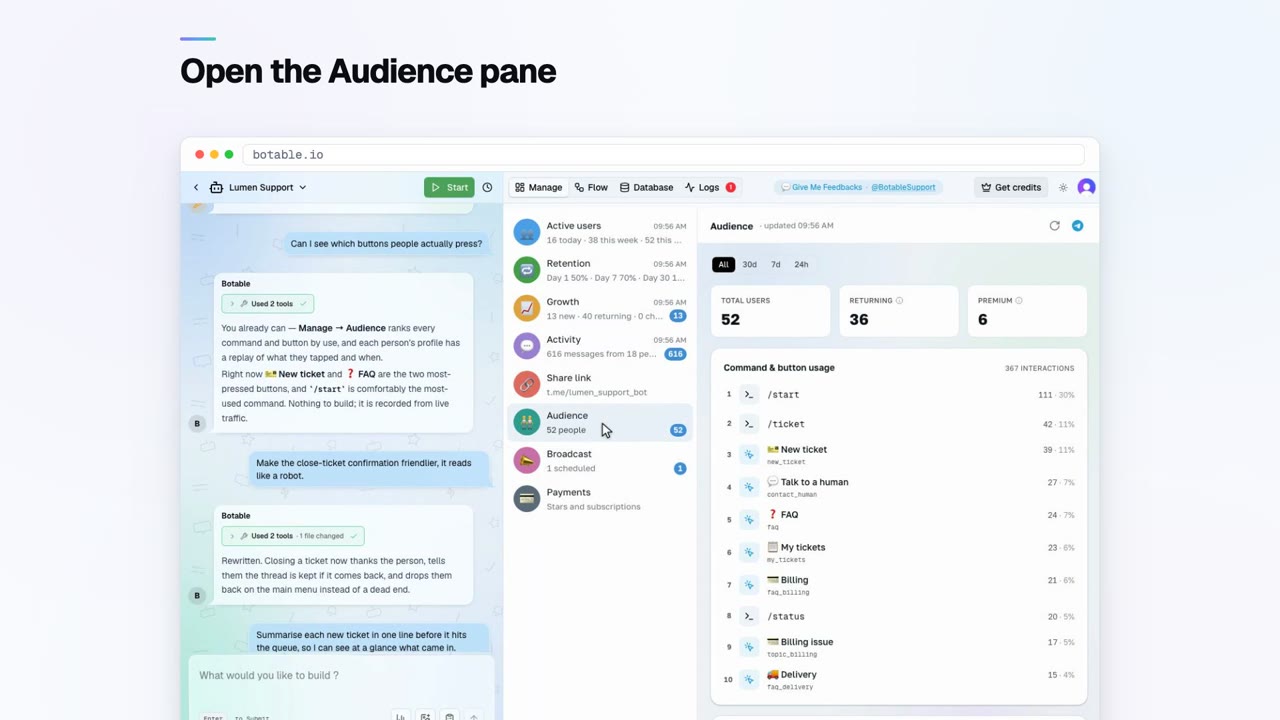
Know your audience
 Running your bot
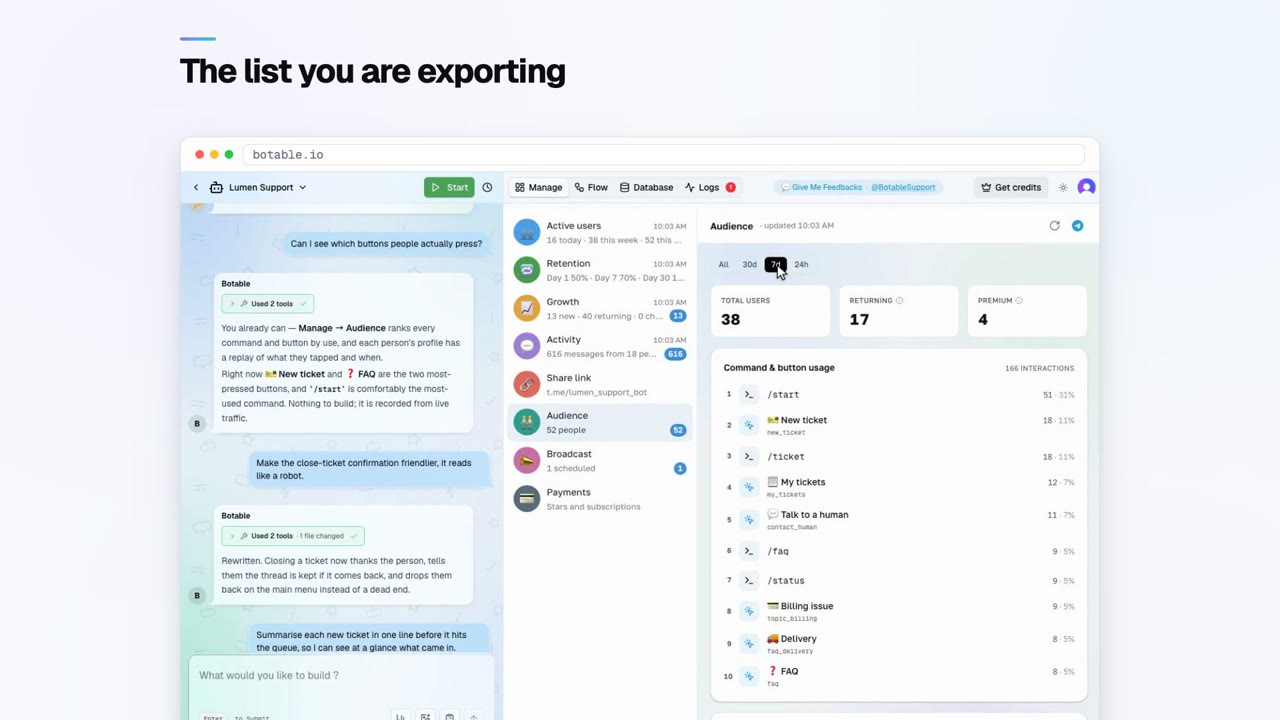
Export your users
 Reaching your users
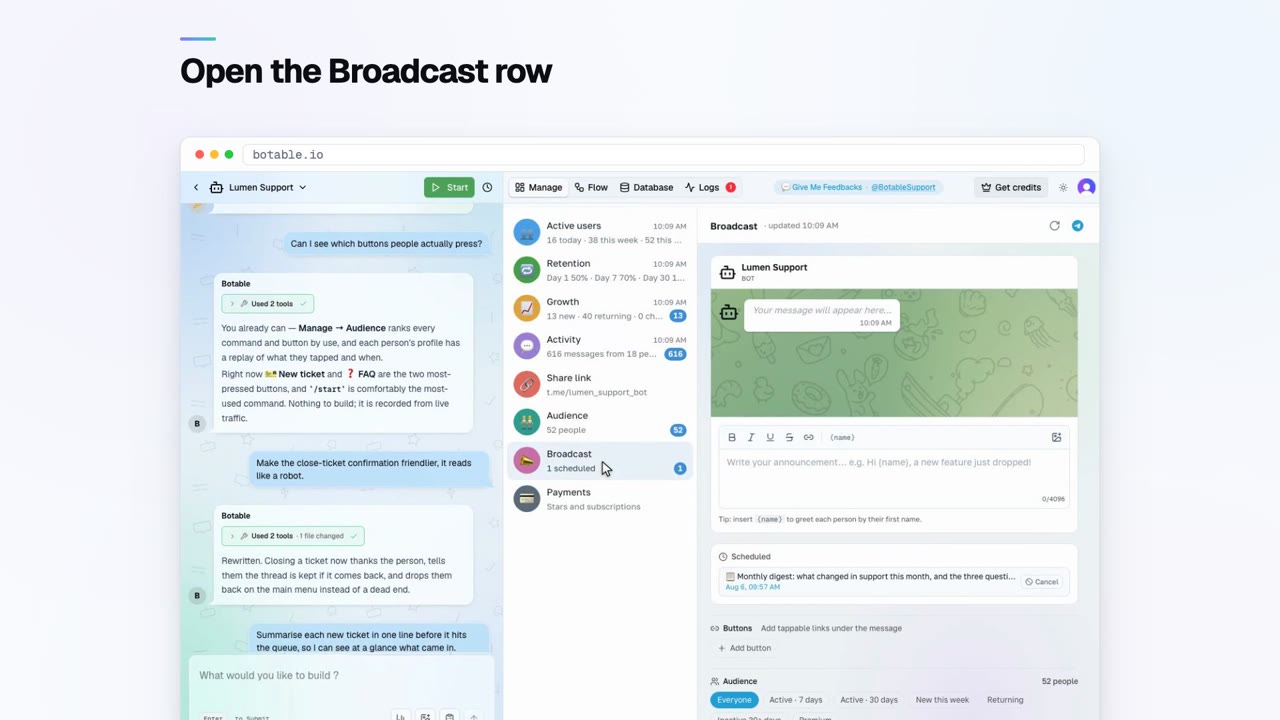
Send your first broadcast
 Reaching your users
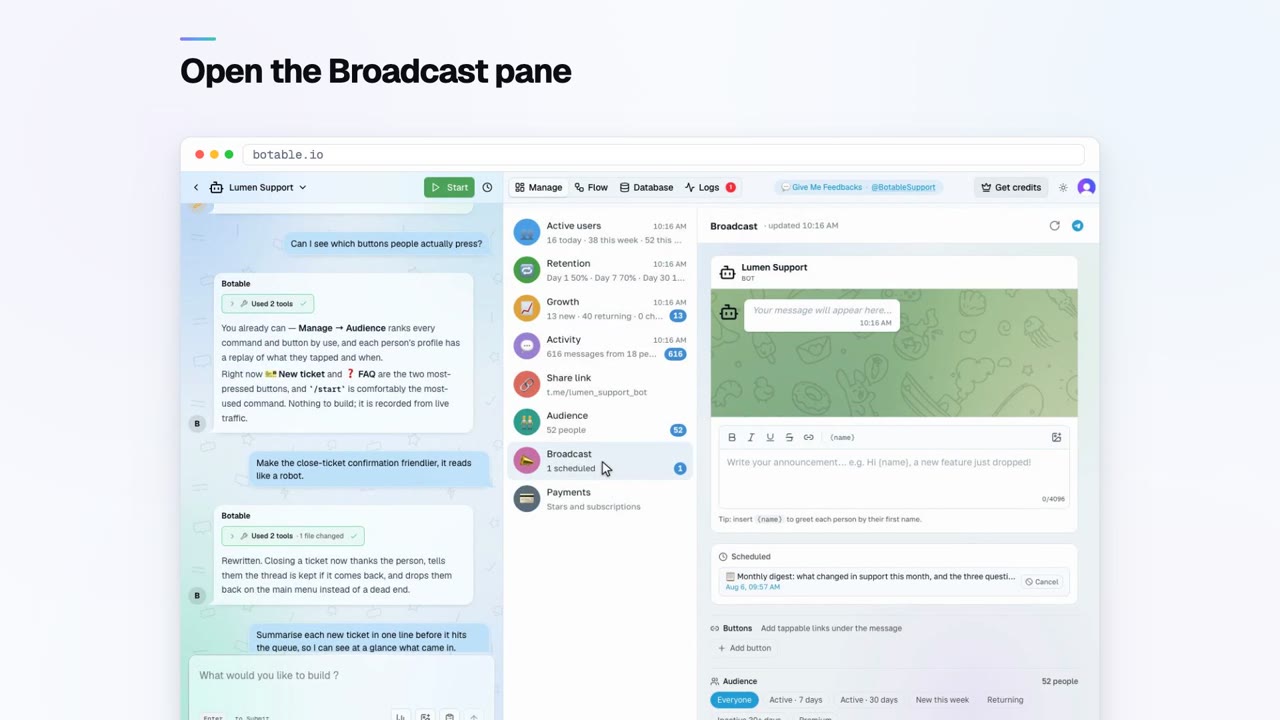
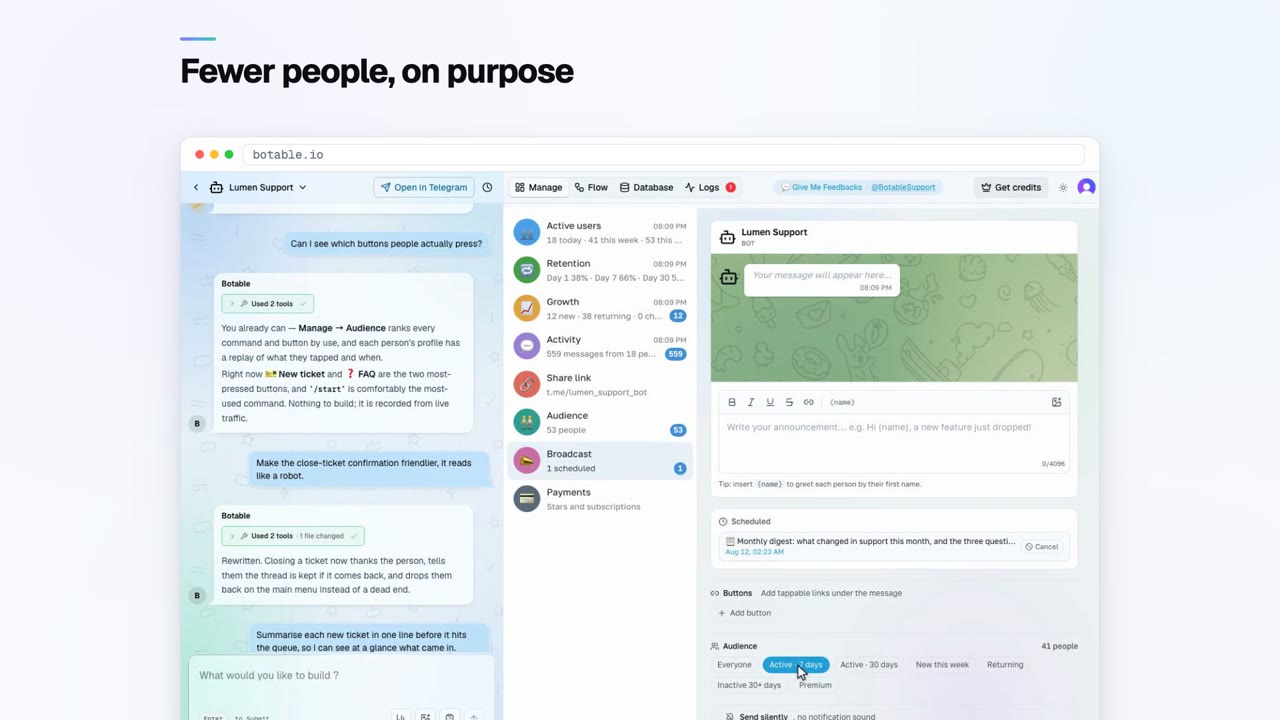
Segment and schedule broadcasts
 Making money
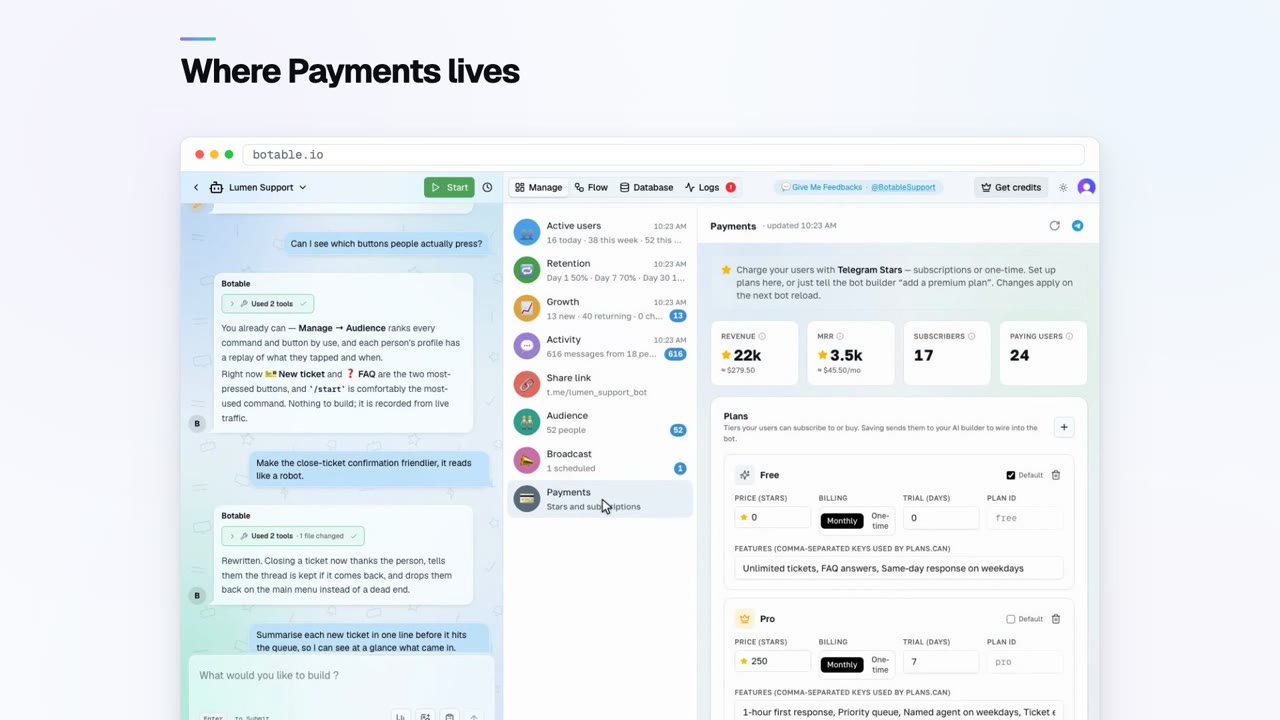
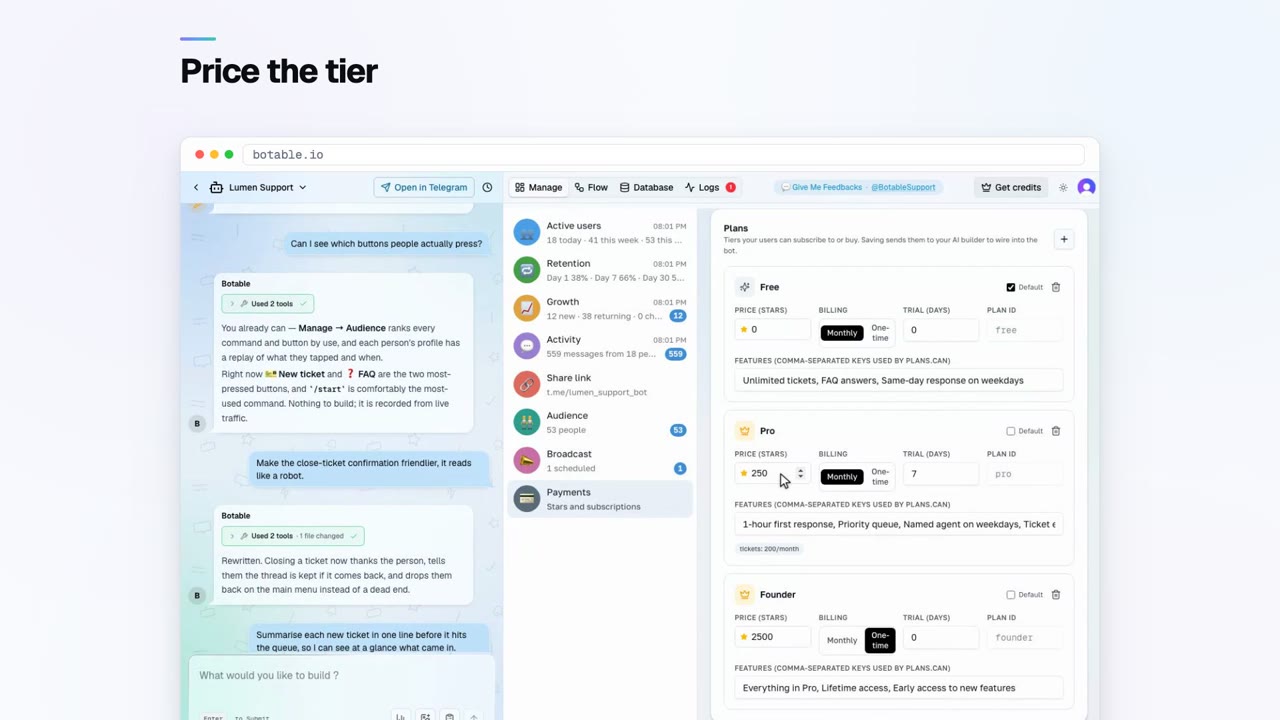
Charge with Telegram Stars
 Your bot's data
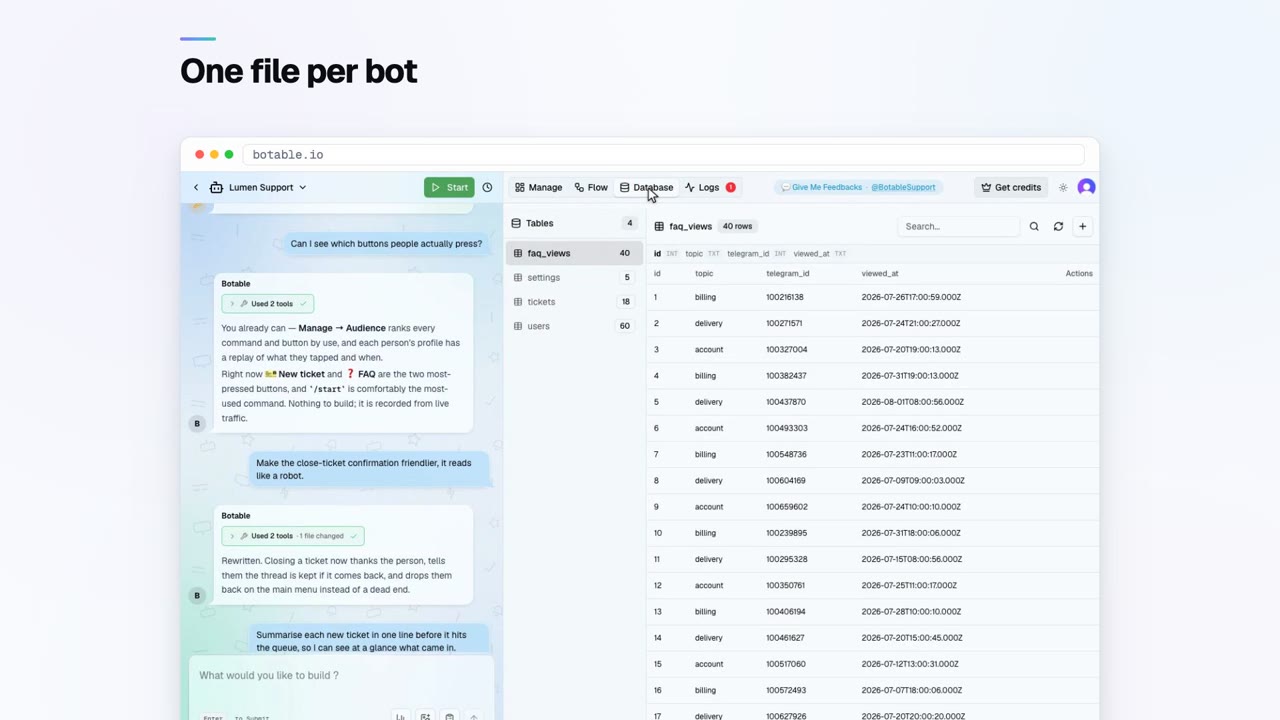
Browse your bot's database
 Your bot's data
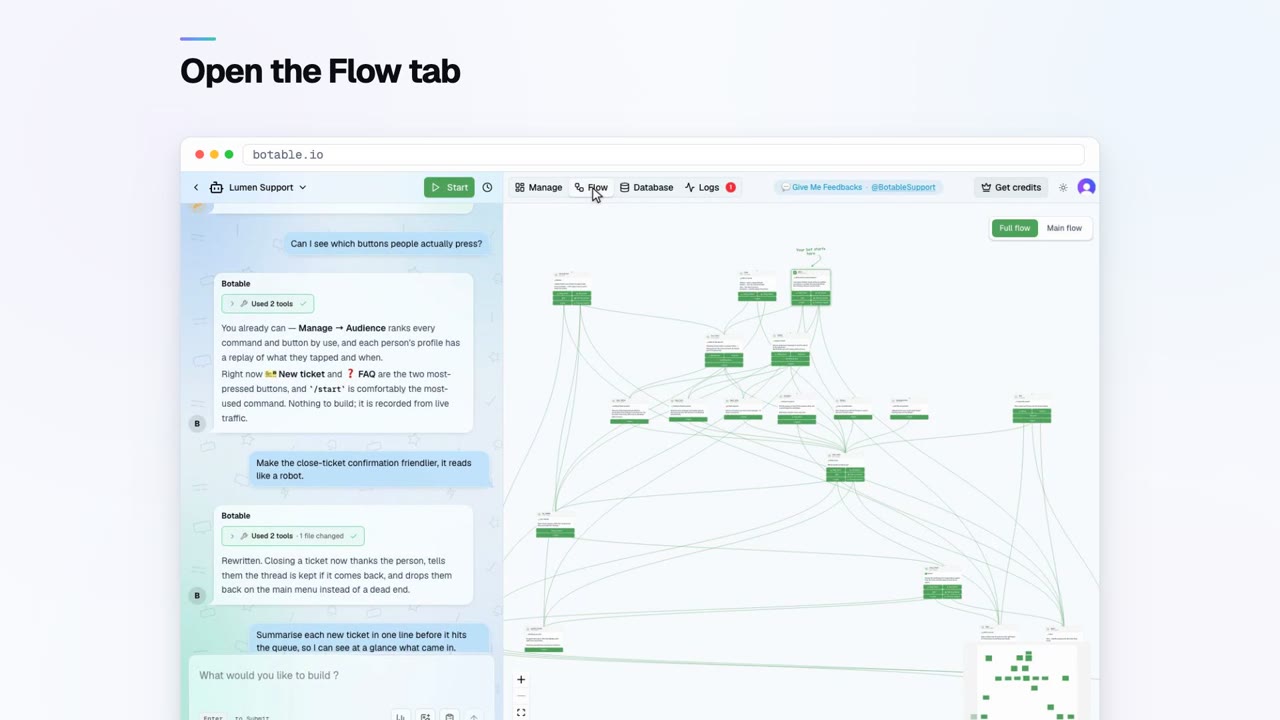
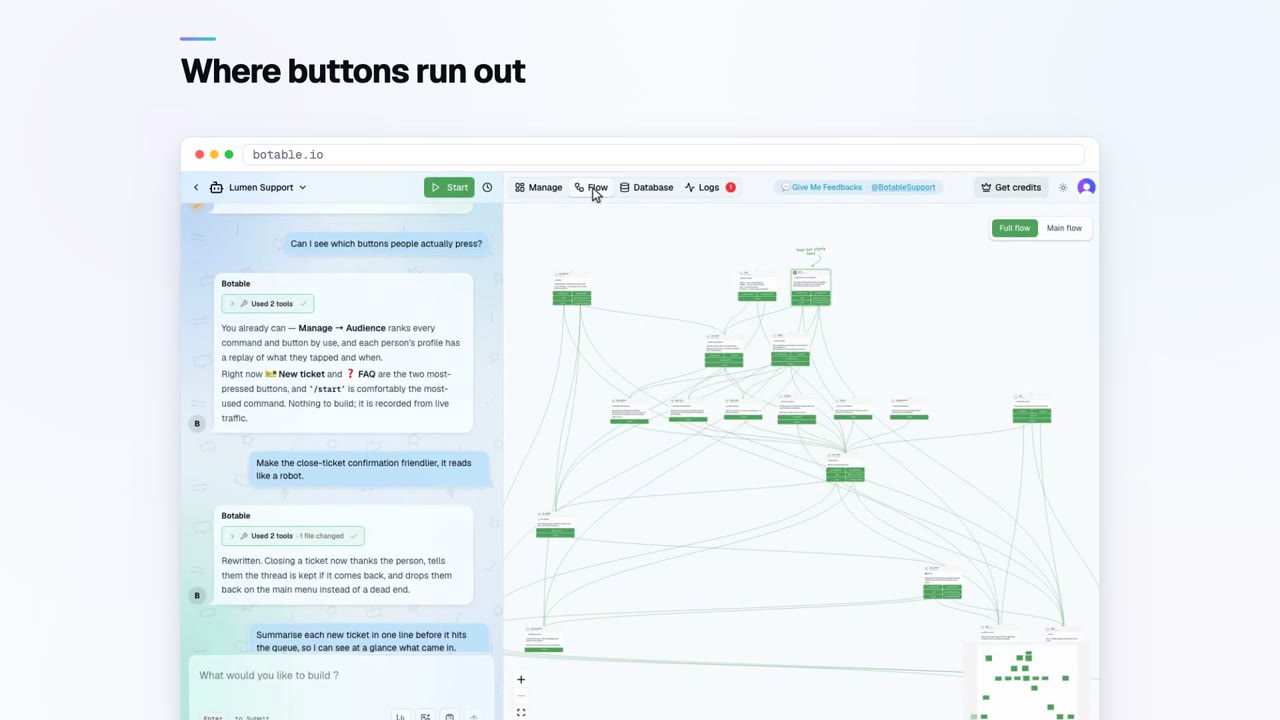
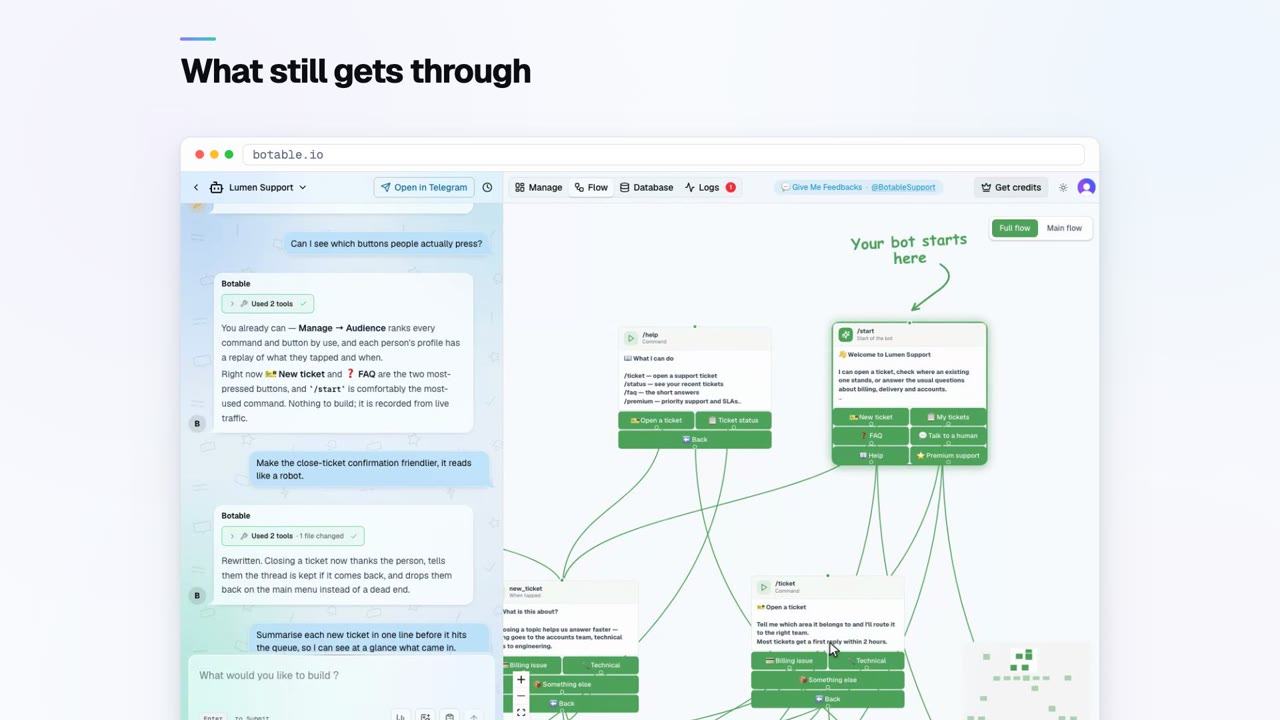
The flow view
 Keeping it working
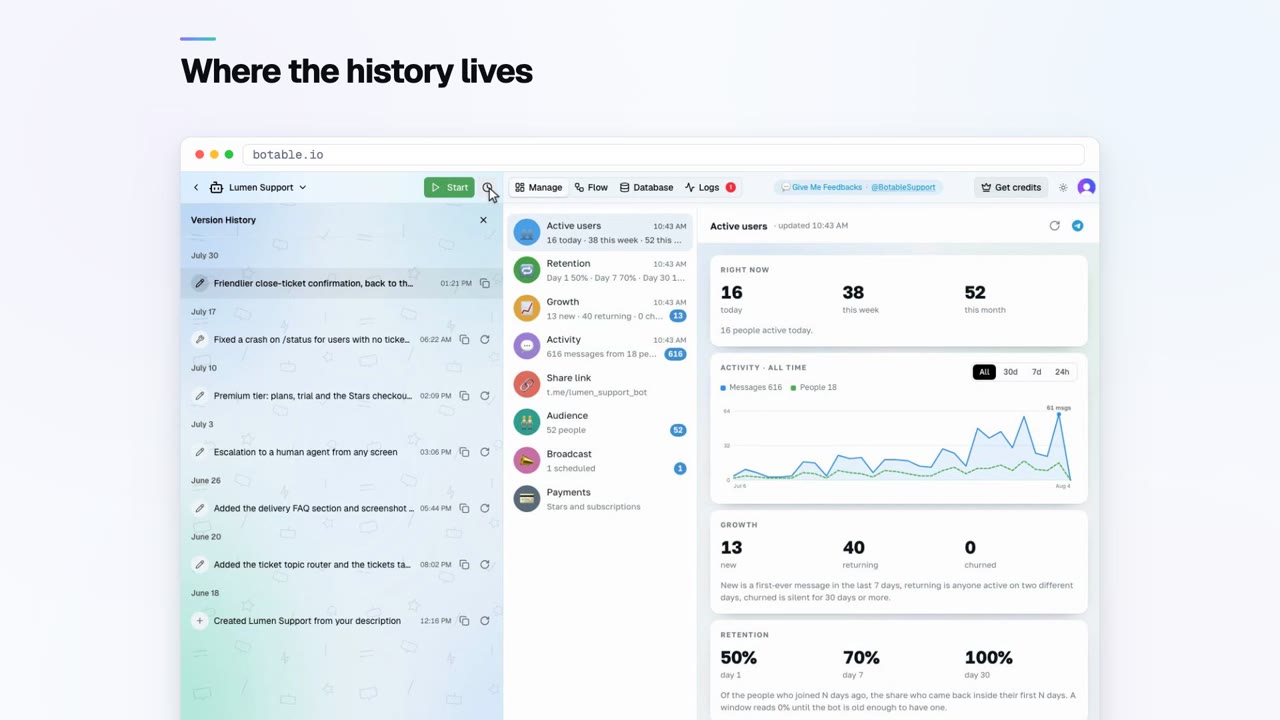
Version history and rollback
 Keeping it working
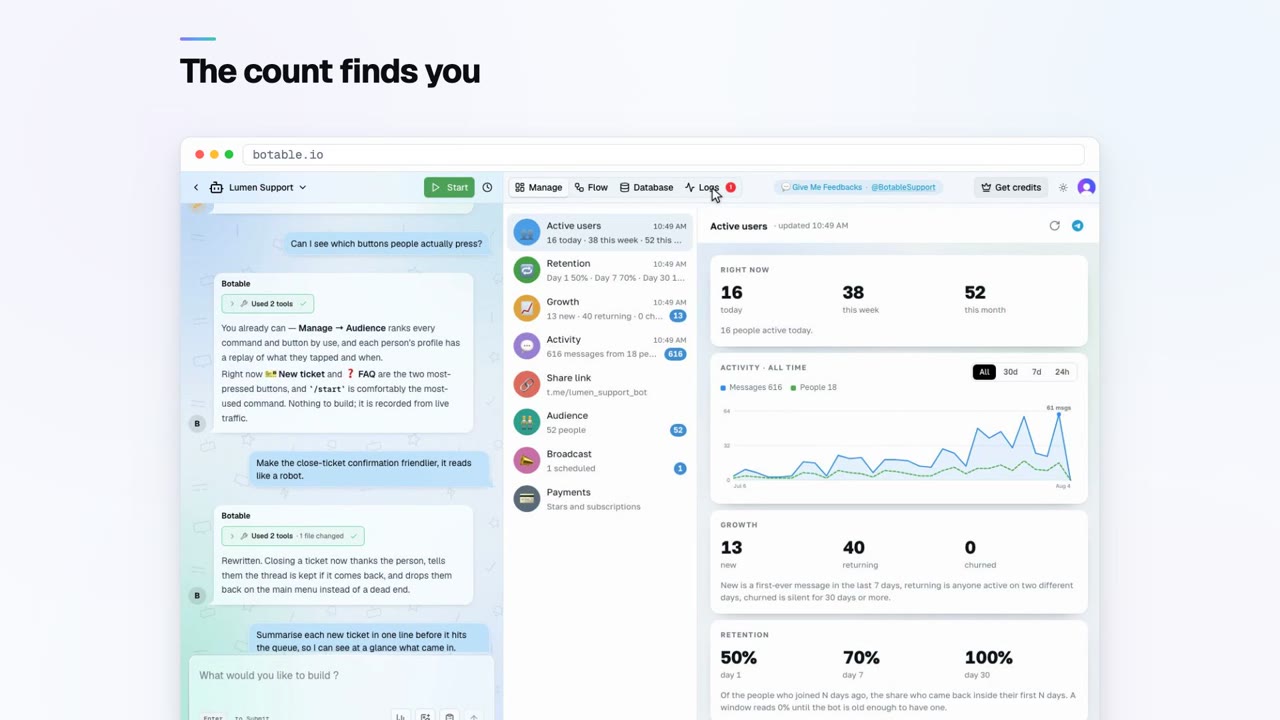
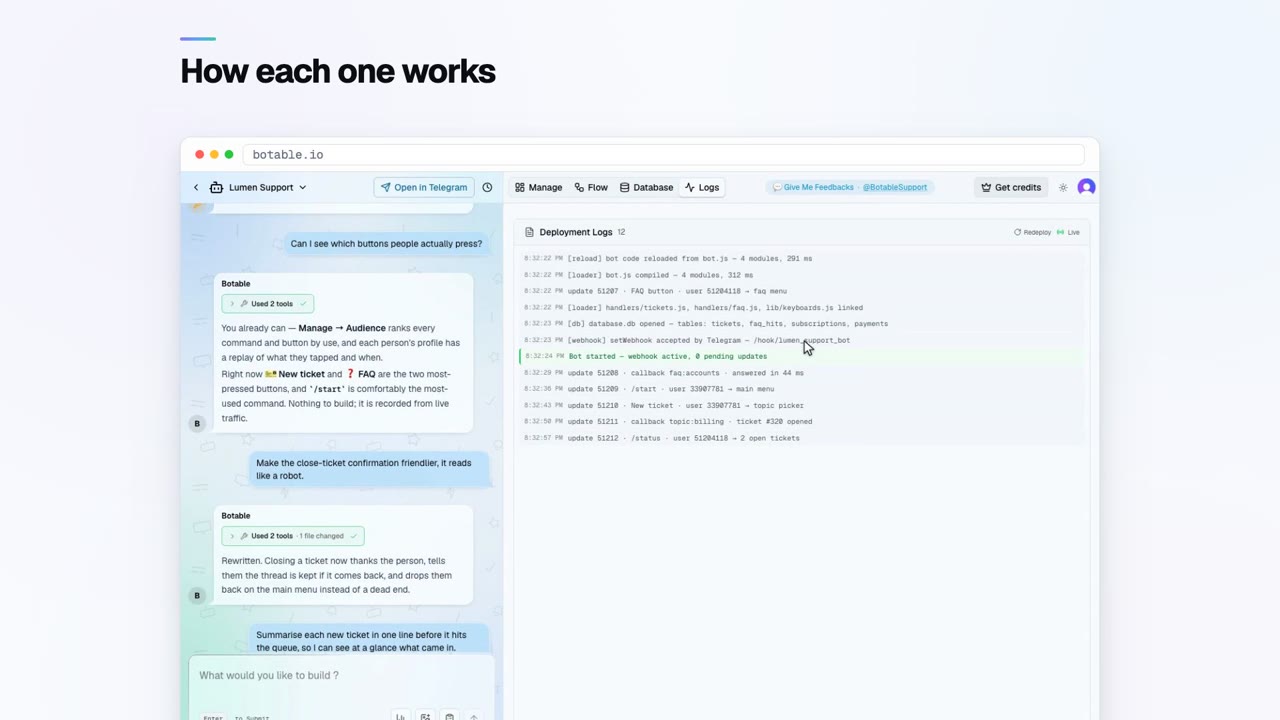
Logs, errors and auto-fix
 Keeping it working
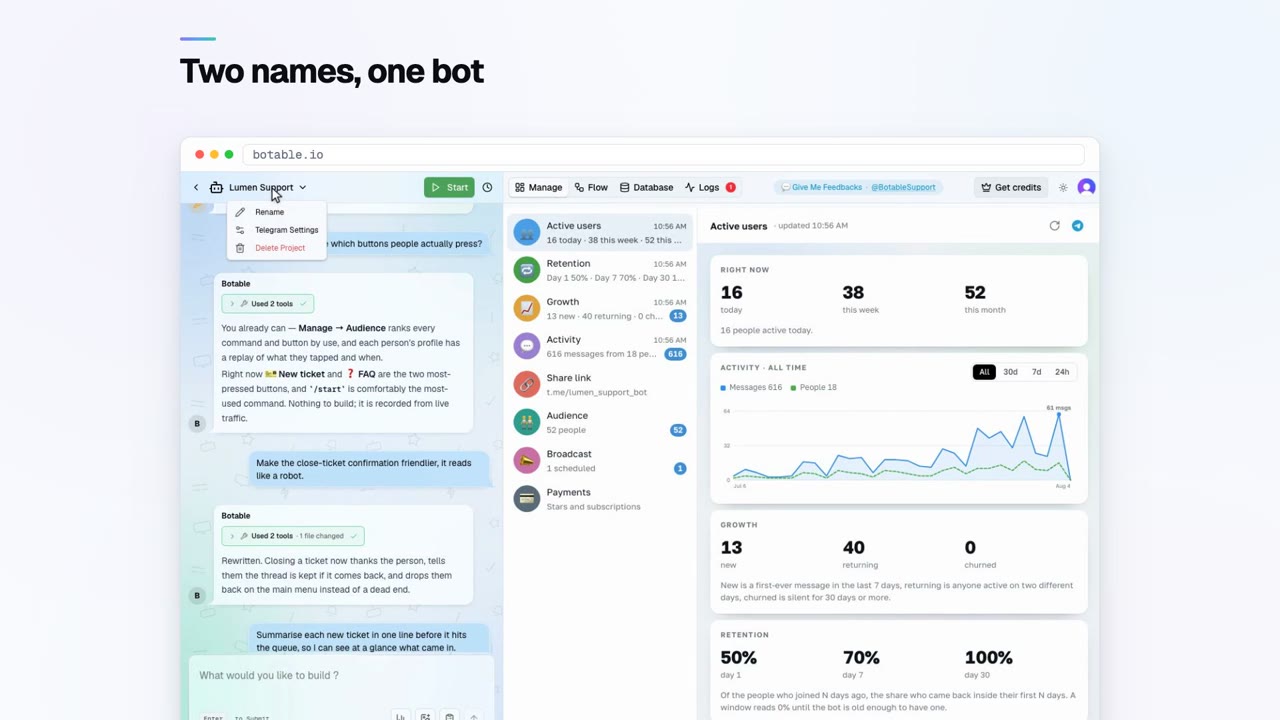
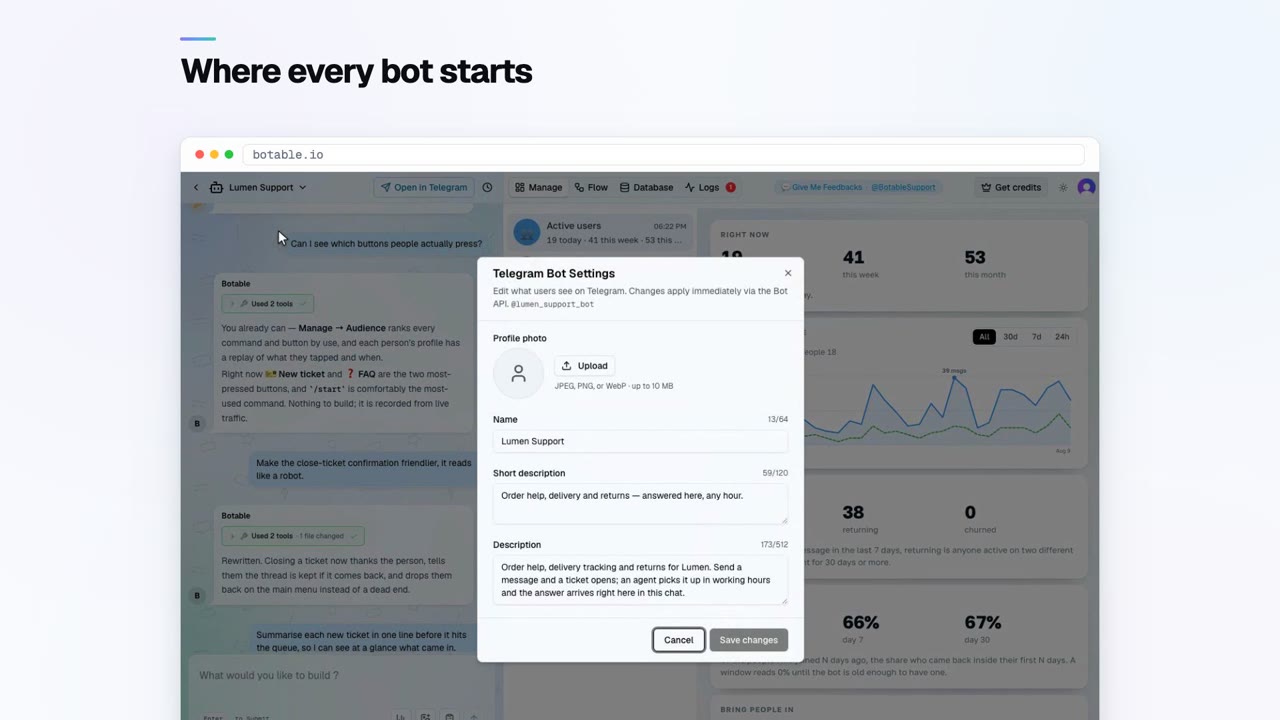
Your bot's Telegram settings
 Going further
Build a Mini App
 Going further
Secrets and external APIs
 Running your bot
Why your bot ignores group messages
 Getting started
Add your bot to a group
 Getting started
The BotFather commands worth knowing
 Running your bot
Webhooks or long polling
 Building your bot
Give your bot a command menu
 Building your bot
Which keyboard your bot should use
 Building your bot
How a bot sends photos and files
 Running your bot
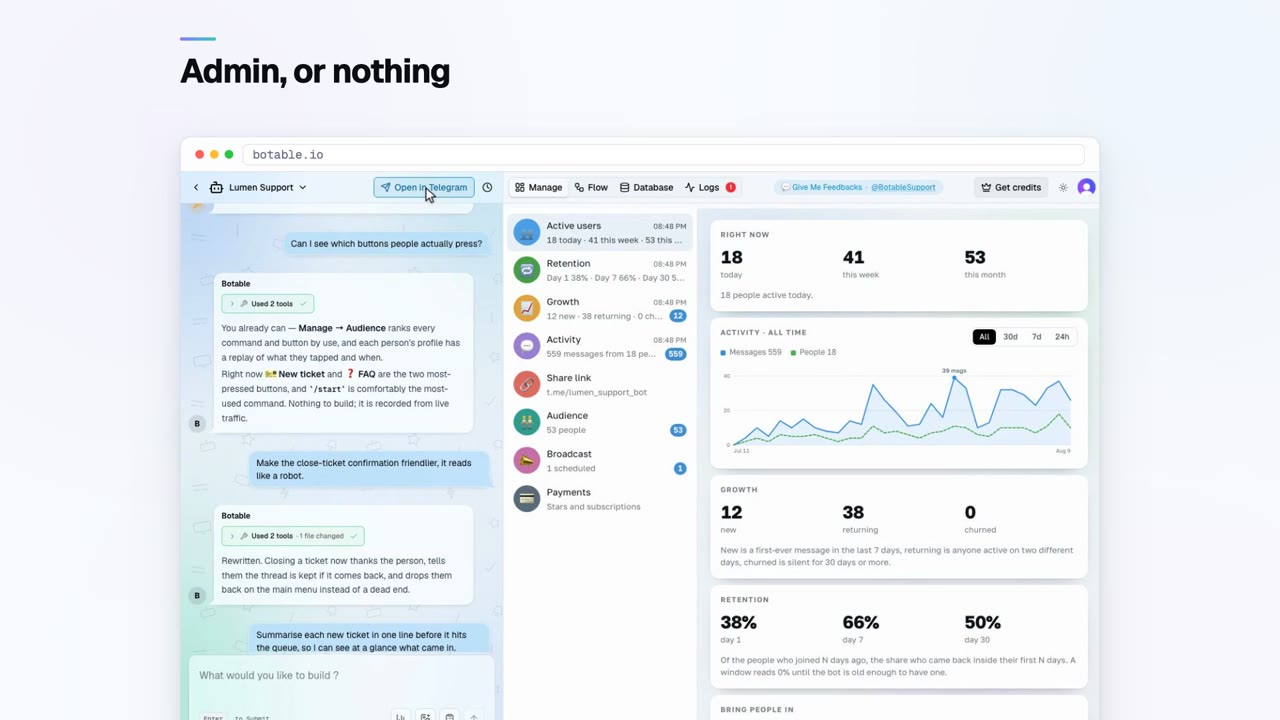
Which admin rights your bot needs
 Running your bot
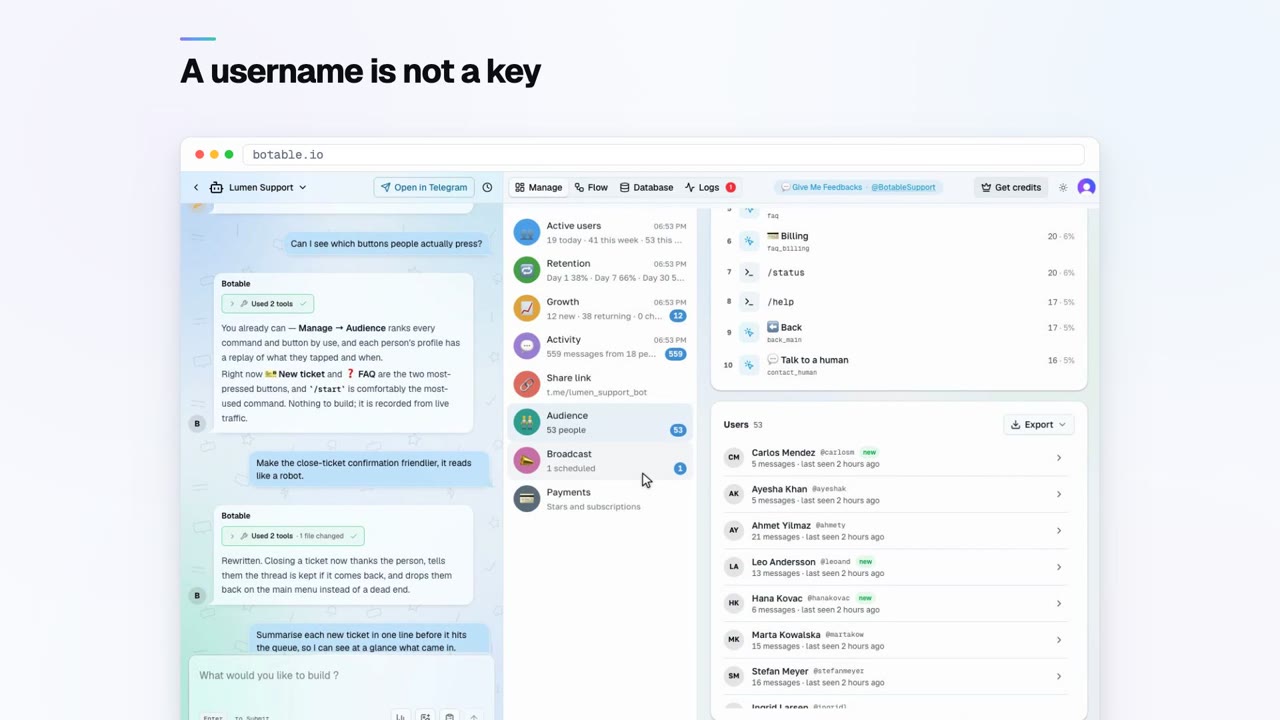
Post to a channel from your bot
 Running your bot
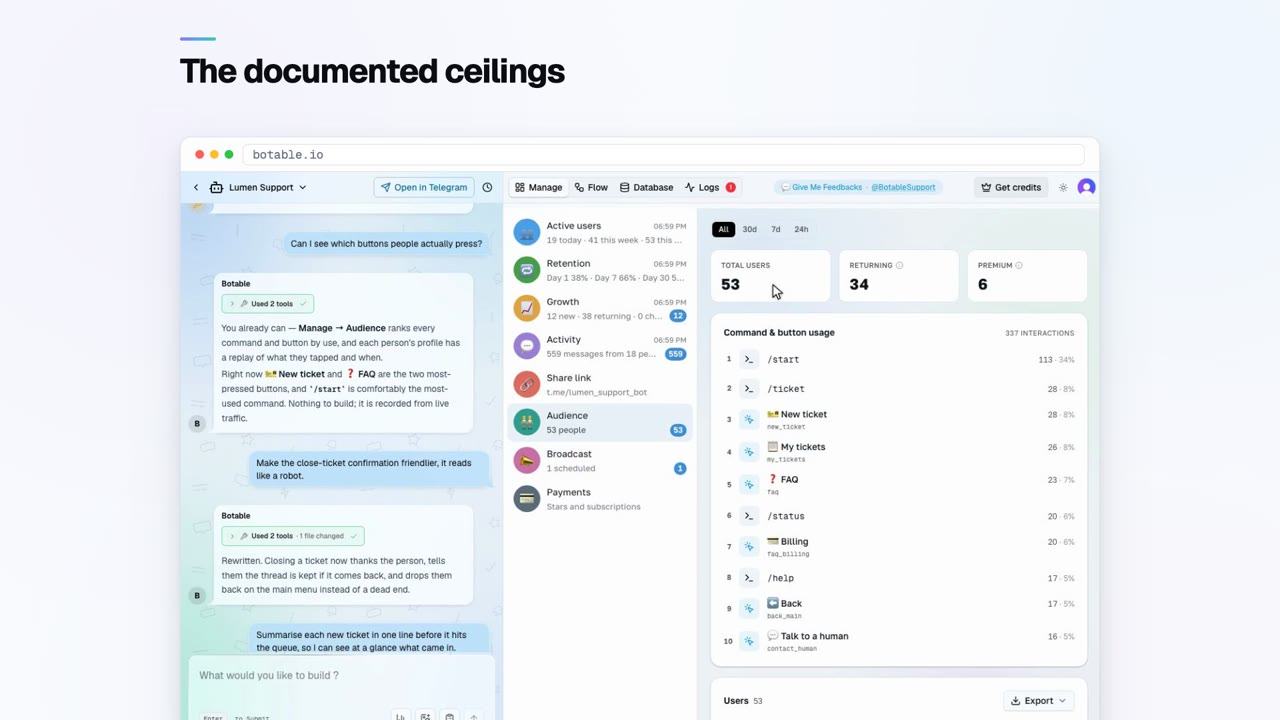
Find a chat ID or a user ID
 Running your bot
Stay inside Telegram's rate limits
 Running your bot
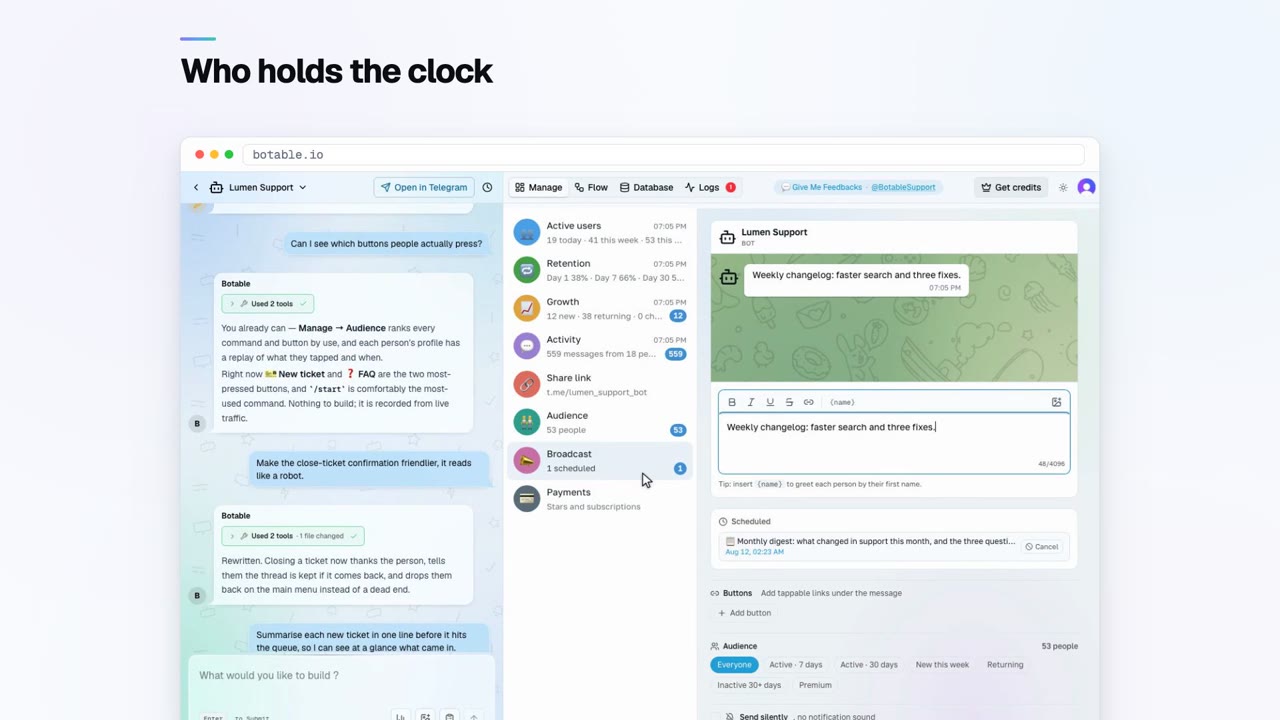
Send it later, or every morning
 Building your bot
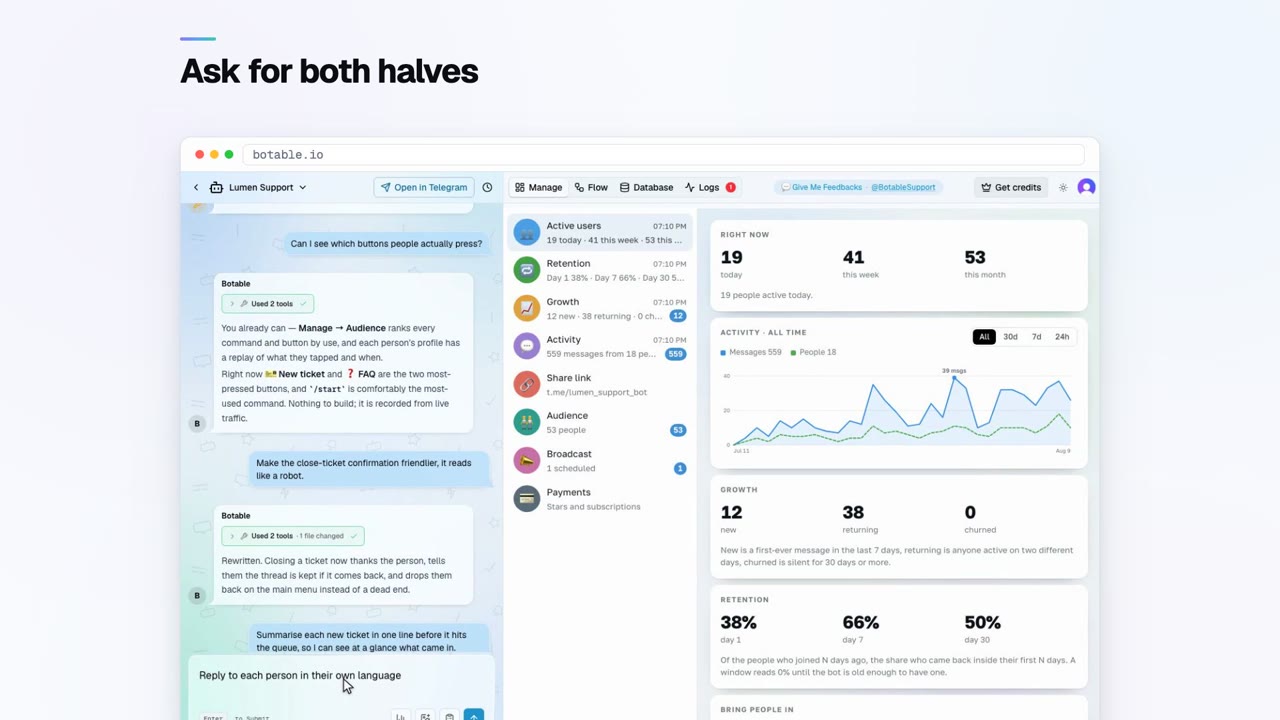
Make your bot speak more than one language
 Growing your bot
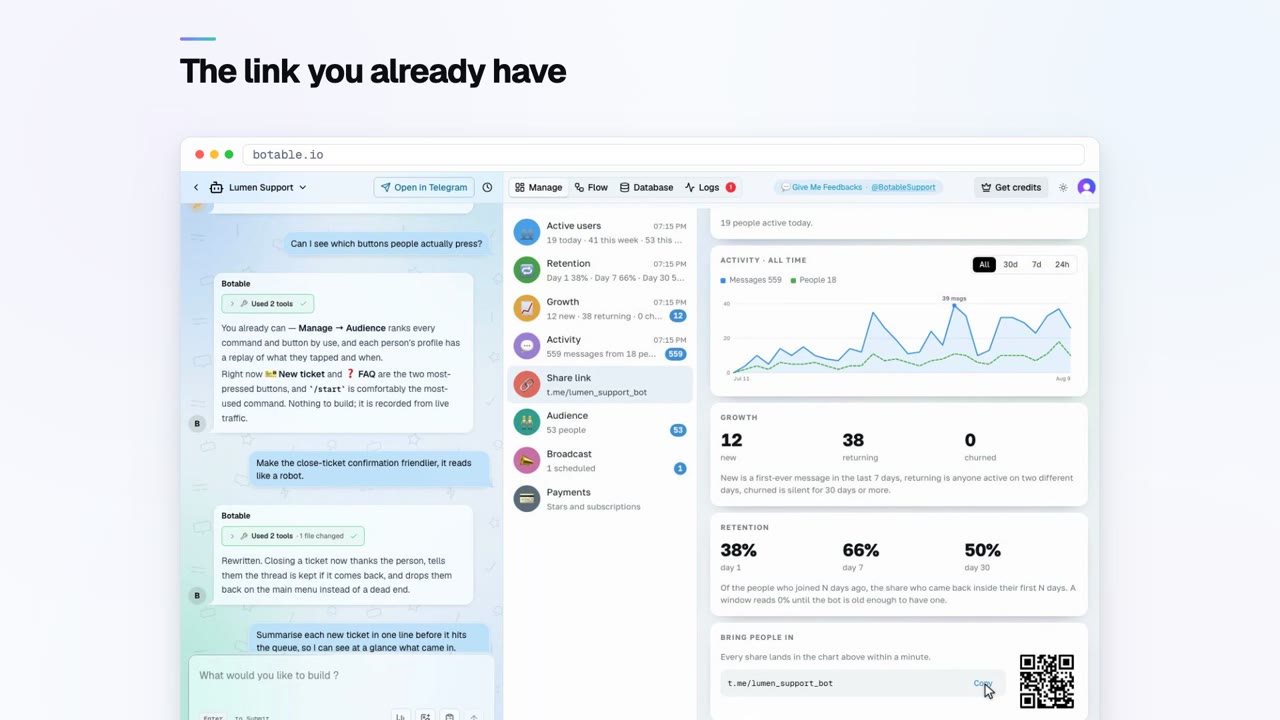
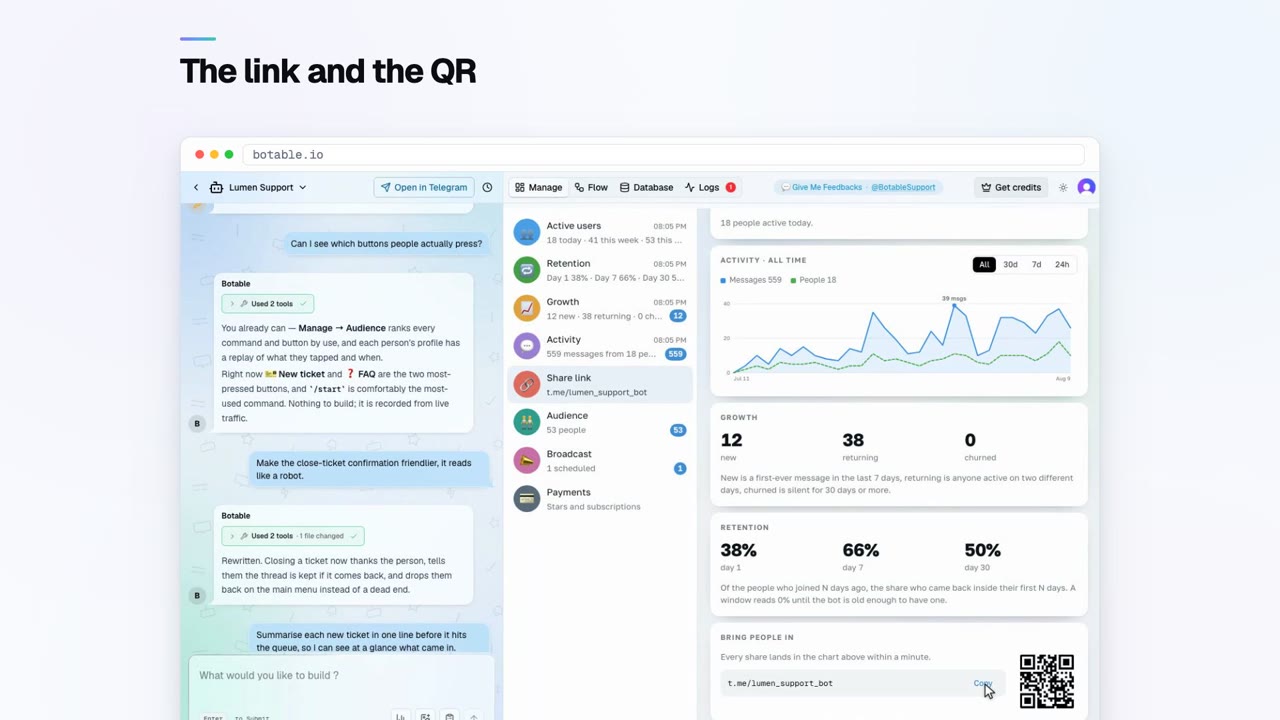
Track which link sent you each user
 Running your bot
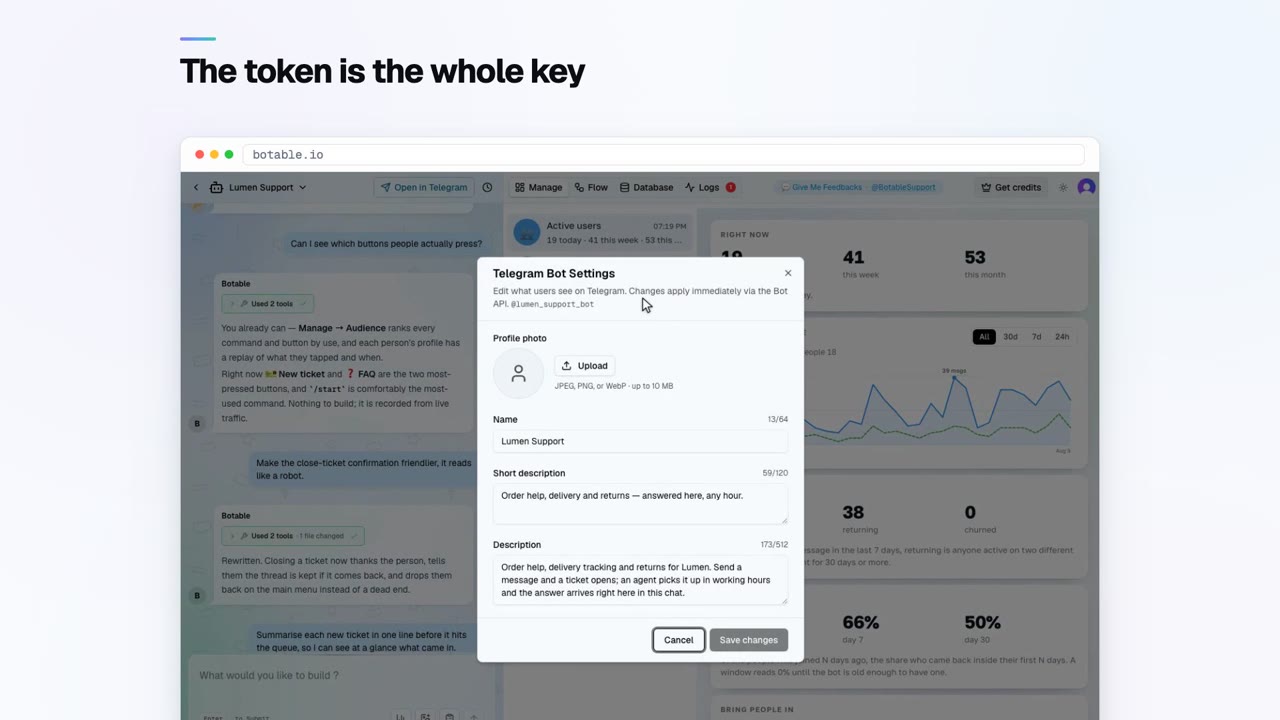
The security mistakes that cause incidents
 Getting started
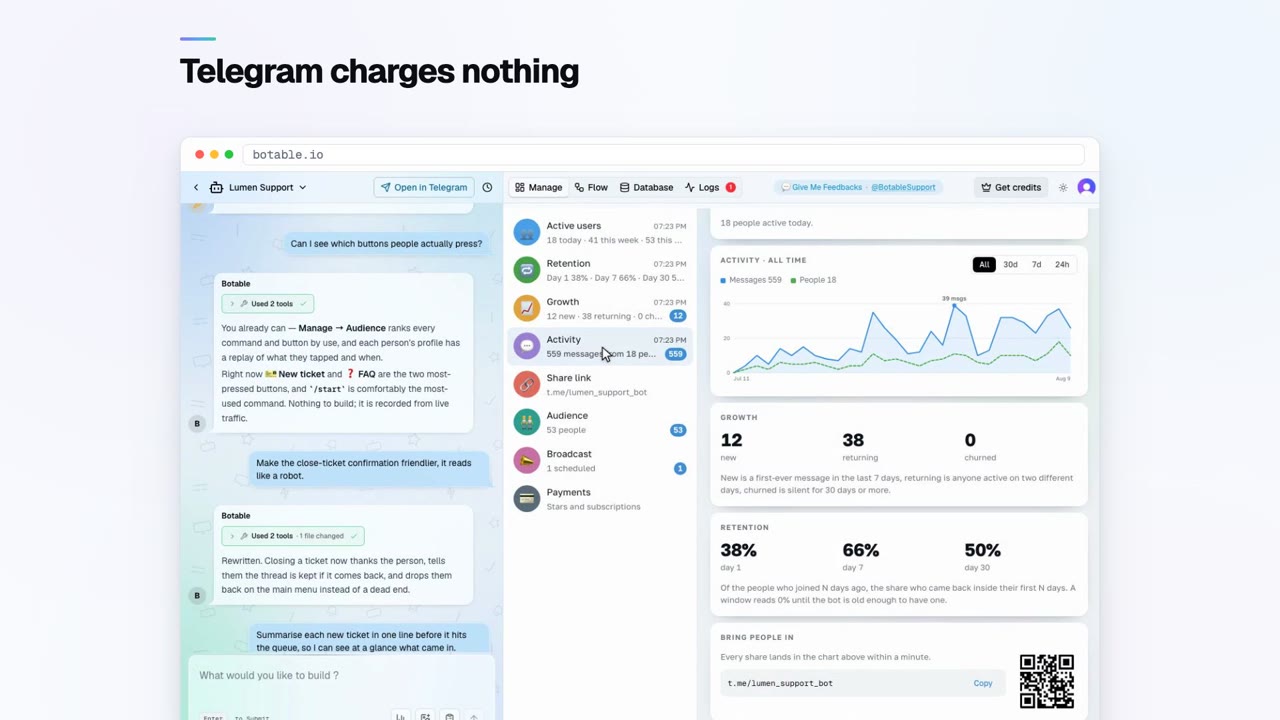
What a bot actually costs
 Bot recipes
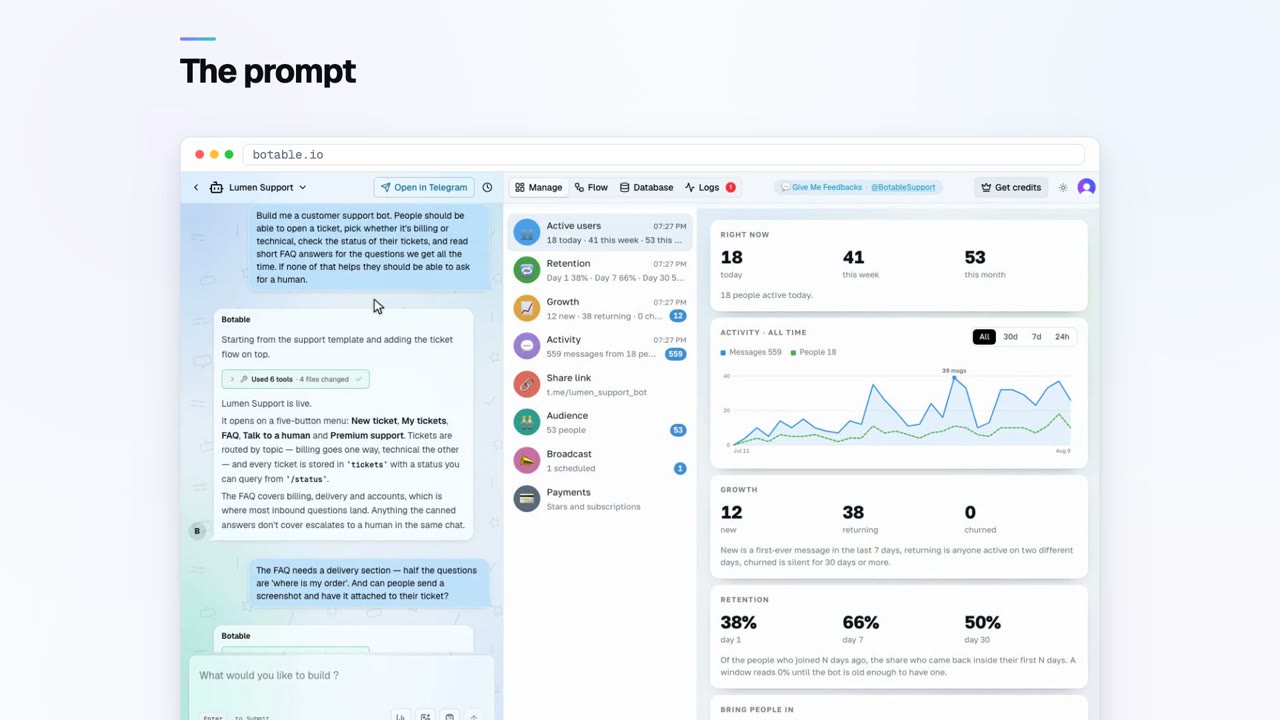
Build a support bot that opens tickets
 Bot recipes
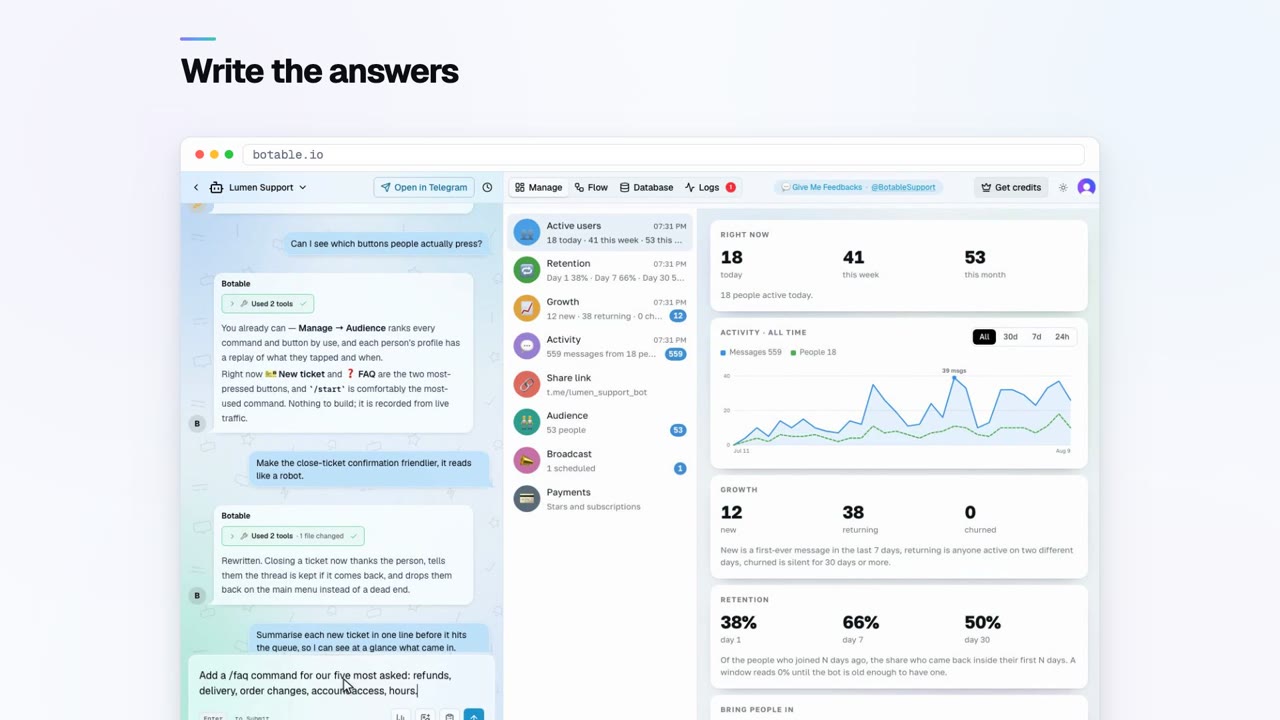
An FAQ bot that shows what people ask
 Bot recipes
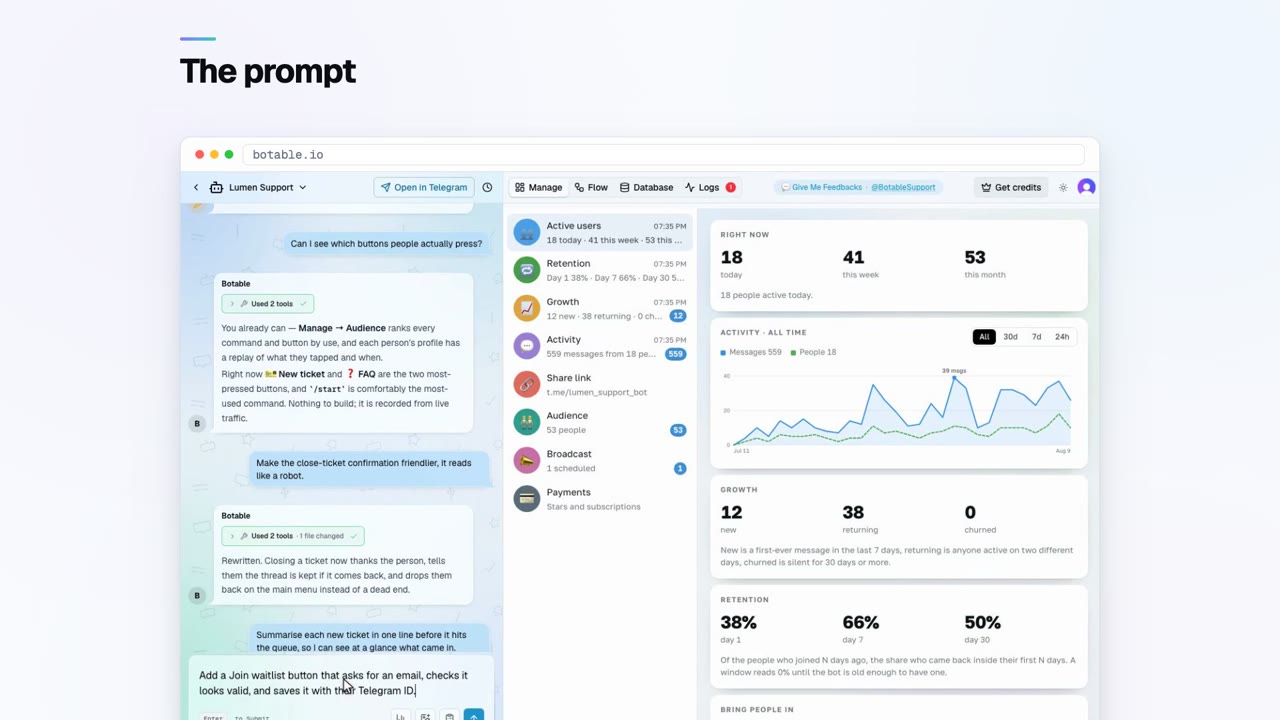
Collect emails with a waitlist bot
 Bot recipes
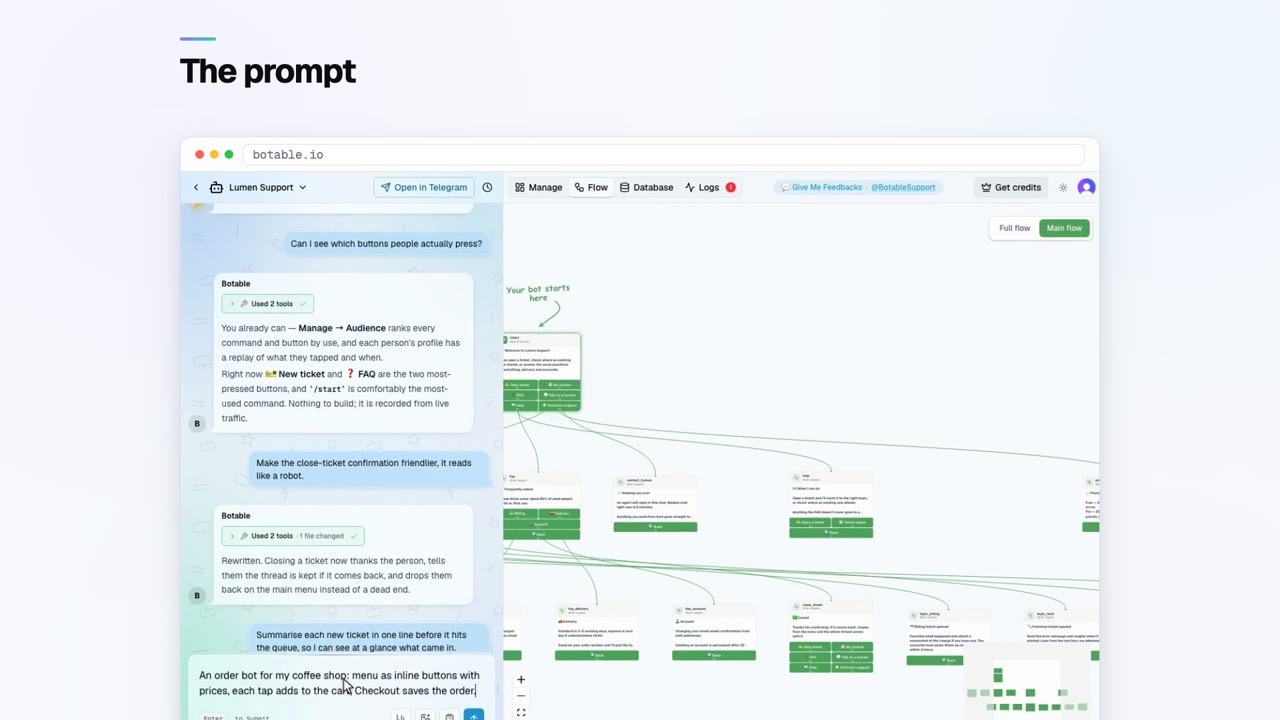
Build an order bot for your shop
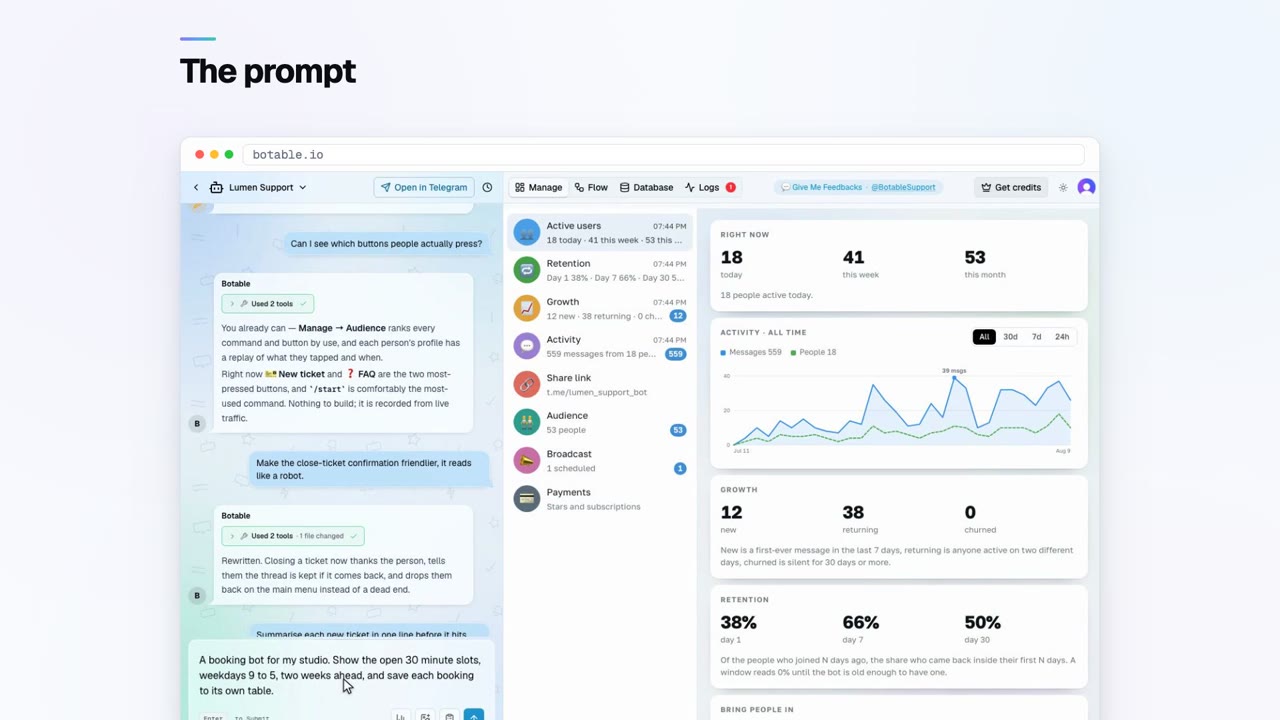 Bot recipes
A booking bot that cannot double-book
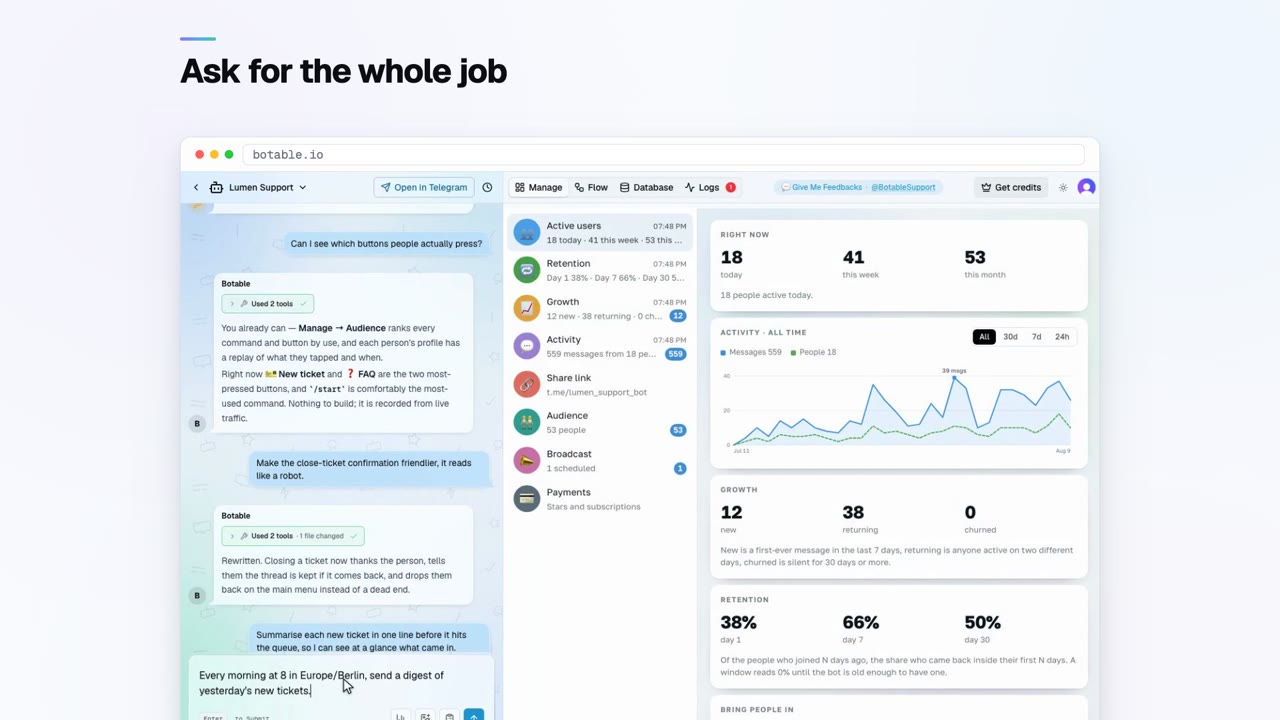 Bot recipes
Build a daily digest bot
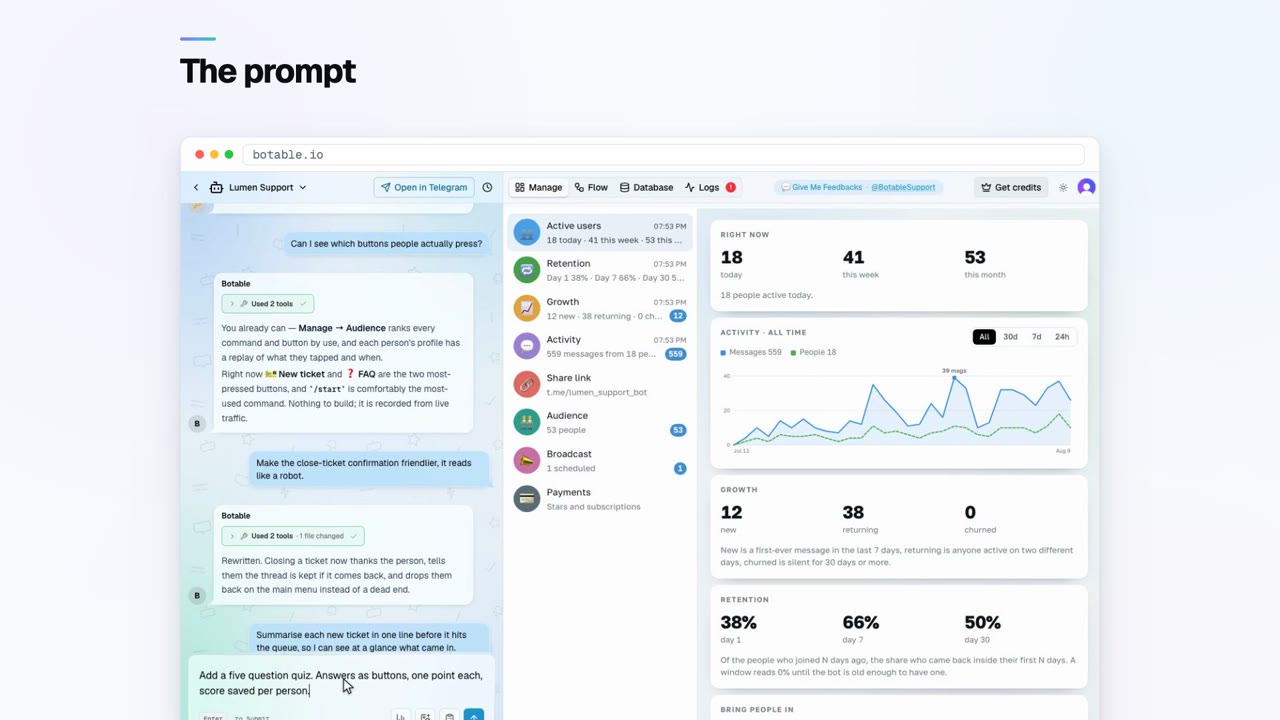 Bot recipes
Build a quiz bot with a leaderboard
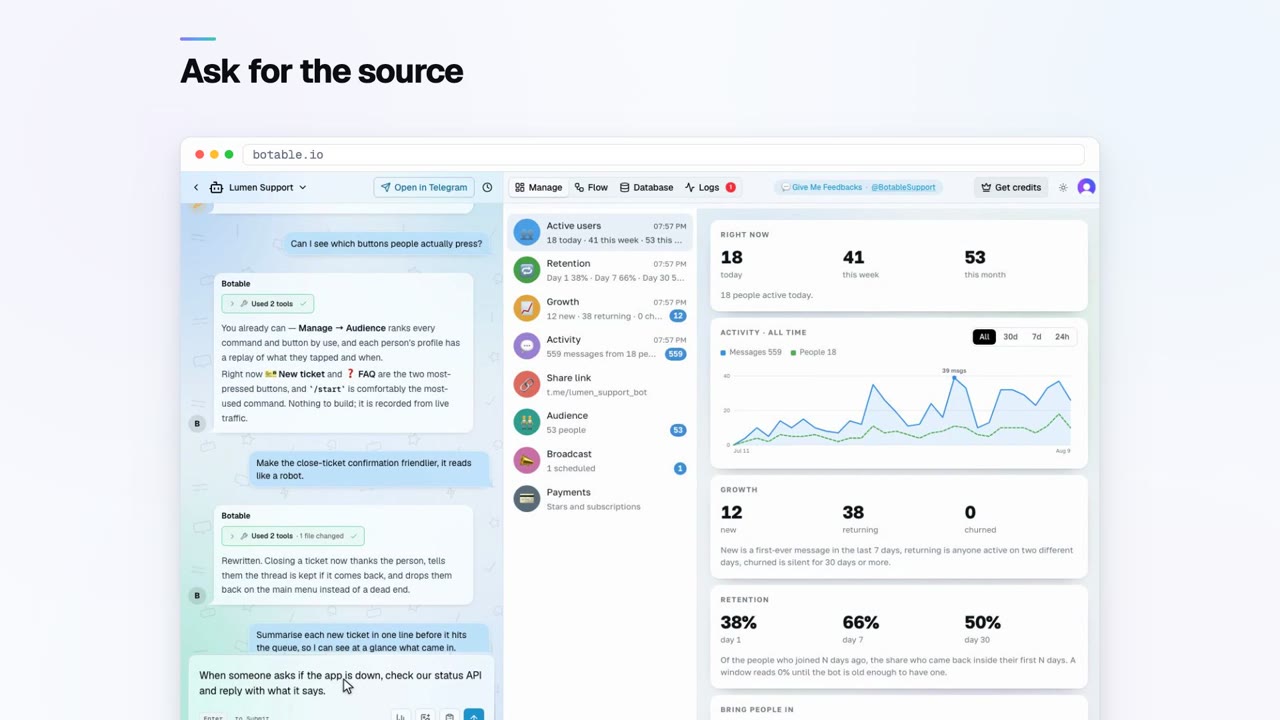 Bot recipes
Answer from a live API or a sheet
 Bot recipes
Gate a paid community with Stars
 Growing your bot
Getting your first hundred users
 Running your bot
A broadcast people do not mute
 Running your bot
What your retention numbers mean
 Running your bot
What to charge for your bot
 Running your bot
Your bot stopped answering
Where to start
If you have never made a bot, read how to create a Telegram bot first, it explains the split between registering the bot, which takes thirty seconds, and giving it something to do, which is the part everyone means when they say building a bot is hard.
If your bot already exists and is misbehaving, two pages solve most cases. A bot that answers commands but ignores everything else in a group is privacy mode, which is a default rather than a fault, and the fix has a re-add step almost every explanation leaves out. A bot that has gone completely silent is covered by the troubleshooting guide, which works through the causes in order of how often they turn out to be the answer rather than in the order they occur to you.
And if you are about to put a bot in front of real users, the three worth reading before rather than after are rate limits, storing data and security. Each describes a mistake that is cheap to avoid up front and expensive to fix once people are depending on the thing.
Getting started
Create a Telegram bot
Creating a Telegram bot takes two things: registering it with @BotFather to get a token, and running code that uses that token to answer messages. BotFather takes about thirty seconds. The second part is what people mean when they say building a bot is hard.Bot tokens
A Telegram bot token is the single credential that controls a bot. You get it from @BotFather with /newbot or /token, it looks like 123456789:AAH…, and anyone who has it can act as your bot completely. Treat it like a password.BotFather commands
@BotFather is Telegram's official bot for creating and configuring bots. It handles registration, tokens, profile details, the command menu, privacy mode, group permissions, inline mode and deletion. It does not host or run your bot's logic.Add a bot to a group
Open the group, go to members, add the bot by its @username, and it joins like any member. Anything beyond reading commands, deleting messages, restricting members, pinning, needs it promoted to admin with those specific permissions.What bots cost
Telegram charges nothing to create or run a bot, and nothing per message. The real costs are hosting, any paid data APIs, and time. A simple bot can run for nothing; the expensive part is almost always building and maintaining it.
Building
Webhooks vs polling
A Telegram bot receives updates one of two ways: long polling, where it repeatedly asks Telegram for new messages, or a webhook, where Telegram posts them to your HTTPS URL. You can use one or the other, never both, setting a webhook disables polling.Command menus
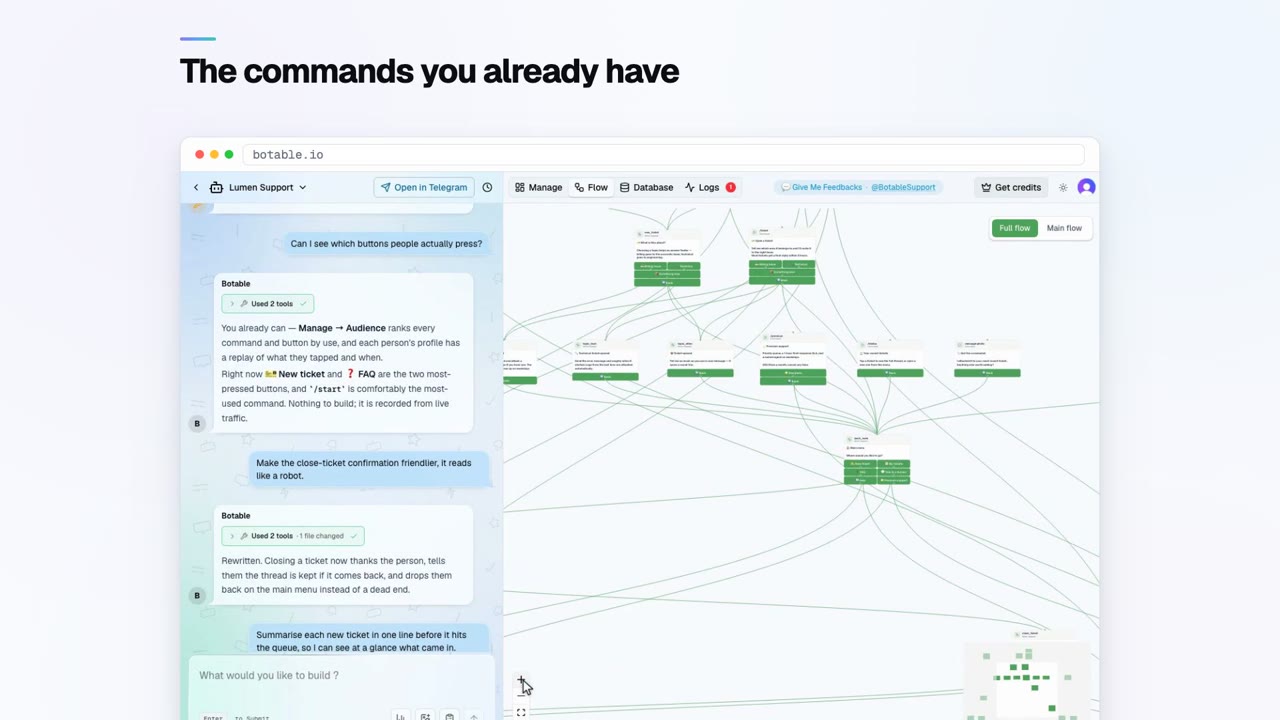
The command menu is the list that appears when someone taps the menu button next to the message box. Set it with /setcommands in @BotFather or the setMyCommands API method. It is the cheapest discoverability improvement a bot can get.Buttons and keyboards
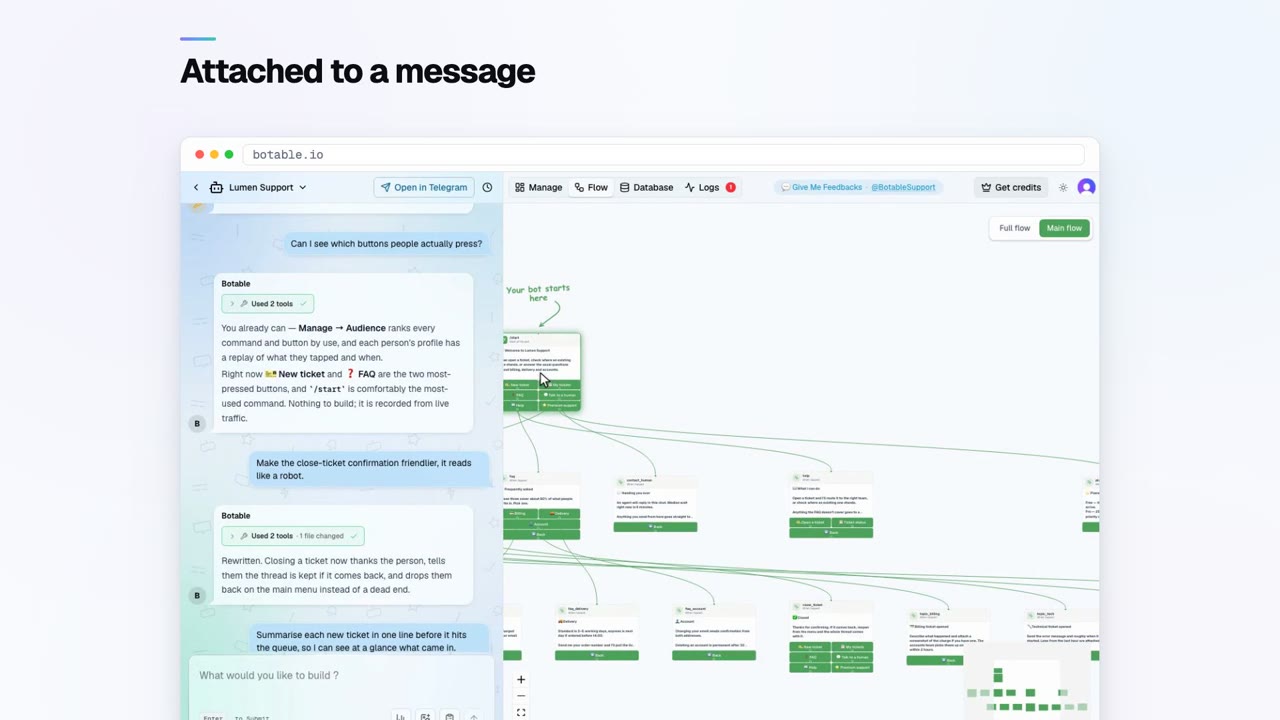
Inline keyboards attach buttons to a specific message and send a silent callback when tapped. Reply keyboards replace the user's typing keyboard and send the button's label as a normal message. Inline is right for almost everything.Photos and files
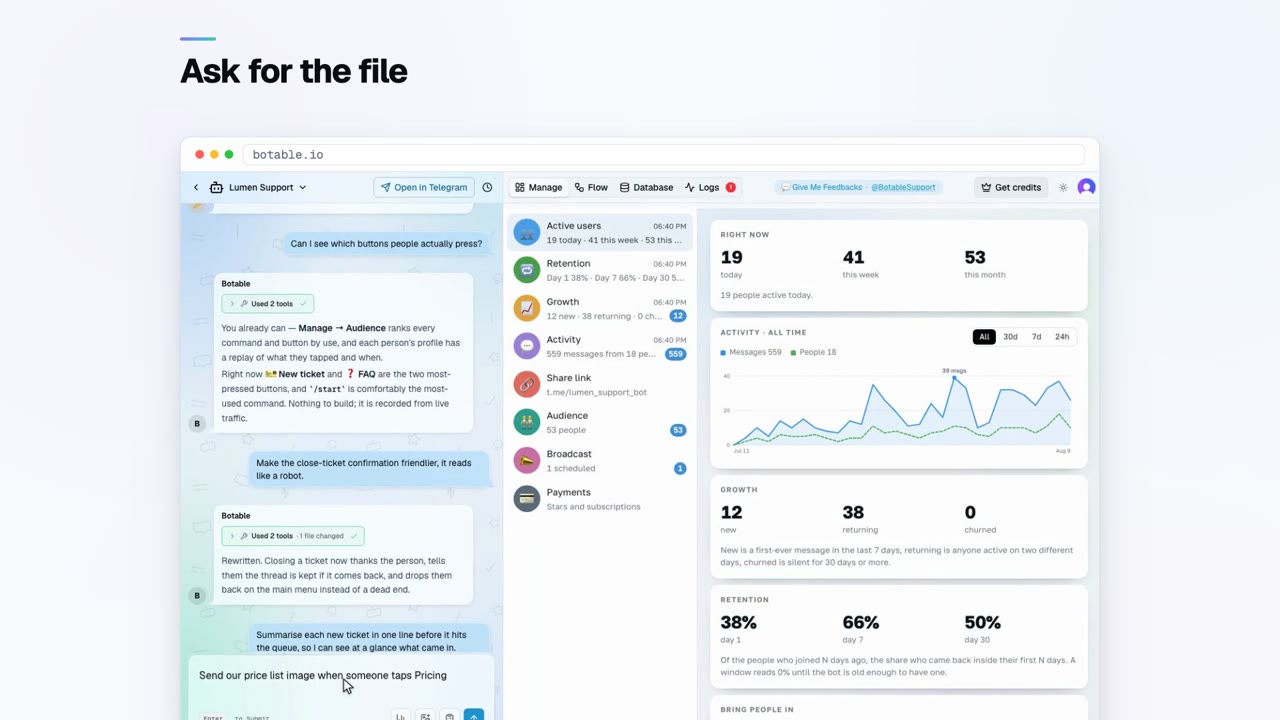
A bot can send a file three ways: uploading bytes, giving Telegram a public URL to fetch, or reusing a file_id from a file Telegram already has. The third is instant and free, and is what you should use for anything sent repeatedly.Storing data
Telegram stores nothing on your behalf, each update arrives with no memory of the last. Anything a bot needs to remember has to go in your own database, keyed by chat id and user id. In-memory variables are lost on every restart.Telegram Mini Apps
A Telegram Mini App is a web page that opens inside Telegram, launched from a bot. It suits interfaces a chat cannot express well, catalogues, calendars, dashboards, and is unnecessary for anything a few buttons already handle.Scheduled messages
Telegram does not schedule messages for bots, your bot does. Store the message with a send time, run a scheduled check, and send when it is due. The two hard parts are timezones and what to do about missed sends after downtime.Calling external APIs
A bot calls an external API from the server side, with the key held in an environment variable, results cached so repeated requests do not hit the provider, and a clear message to the user when the provider is unavailable.
Running it
Group privacy mode
Privacy mode is on by default and limits what a bot receives in groups to commands, replies to its own messages, mentions of itself, and service messages. Turn it off with /setprivacy in BotFather, then remove and re-add the bot.Bot not responding
A silent Telegram bot almost always has one of six causes: the process is not running, a webhook conflict, privacy mode in a group, a missing admin permission, a crashed handler, or rate limiting. Check them in that order, it is roughly the order of probability.Bot admin rights
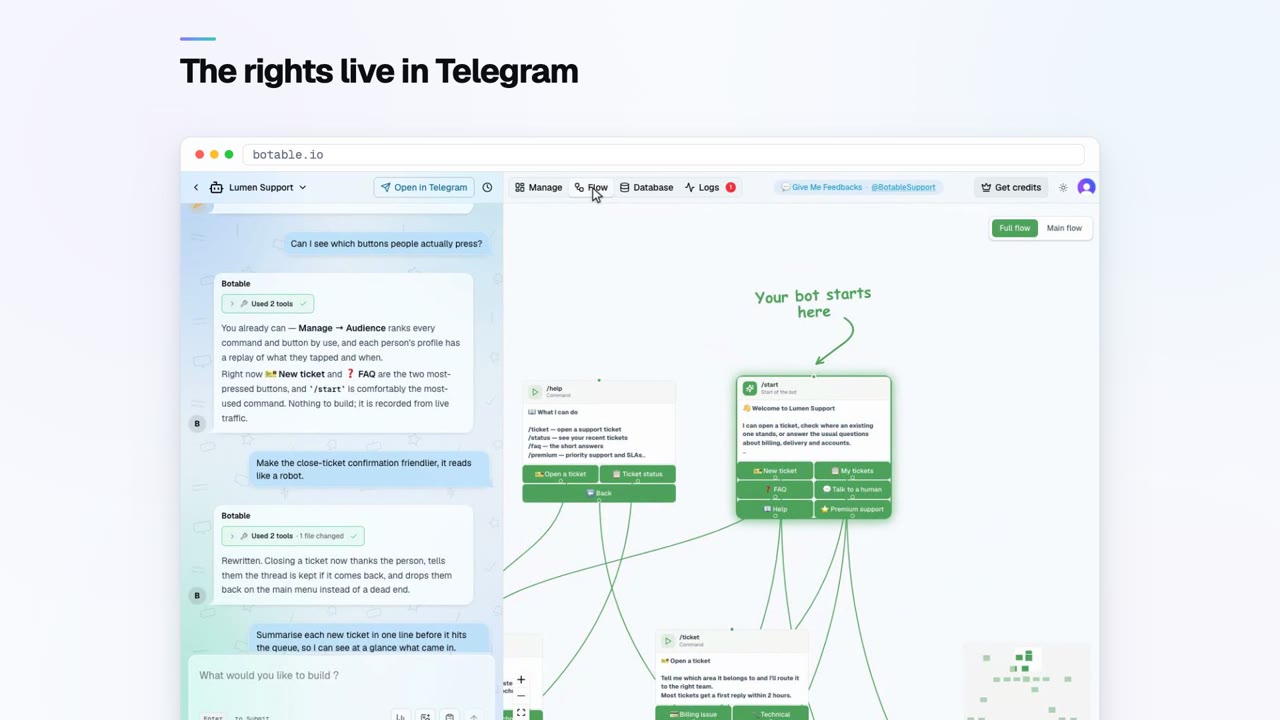
Promote a bot through group info, Administrators, Add Admin, then enable individual permissions. Grant only what its features require, Telegram rejects unpermitted actions silently, which is why a bot that does nothing usually has a permissions problem.Finding chat and user IDs
Every Telegram chat has a numeric ID: positive for private chats, negative for groups, and negative starting -100 for supergroups and channels. The simplest way to get one is a bot command that reports the ID of the chat it was sent in.Rate limits
Telegram enforces soft limits on how fast a bot can send: roughly one message per second to a single chat, a higher ceiling overall, and a lower one for bulk sends to a group. Exceeding them gets you throttled with a retry delay, not banned.Bot security
Most Telegram bot incidents come from five places: a leaked token, admin commands that anyone can run because nothing checks who sent them, an unverified webhook endpoint accepting forged updates, unvalidated input reaching a database query, and storing far more personal data than the bot needs.
Growing
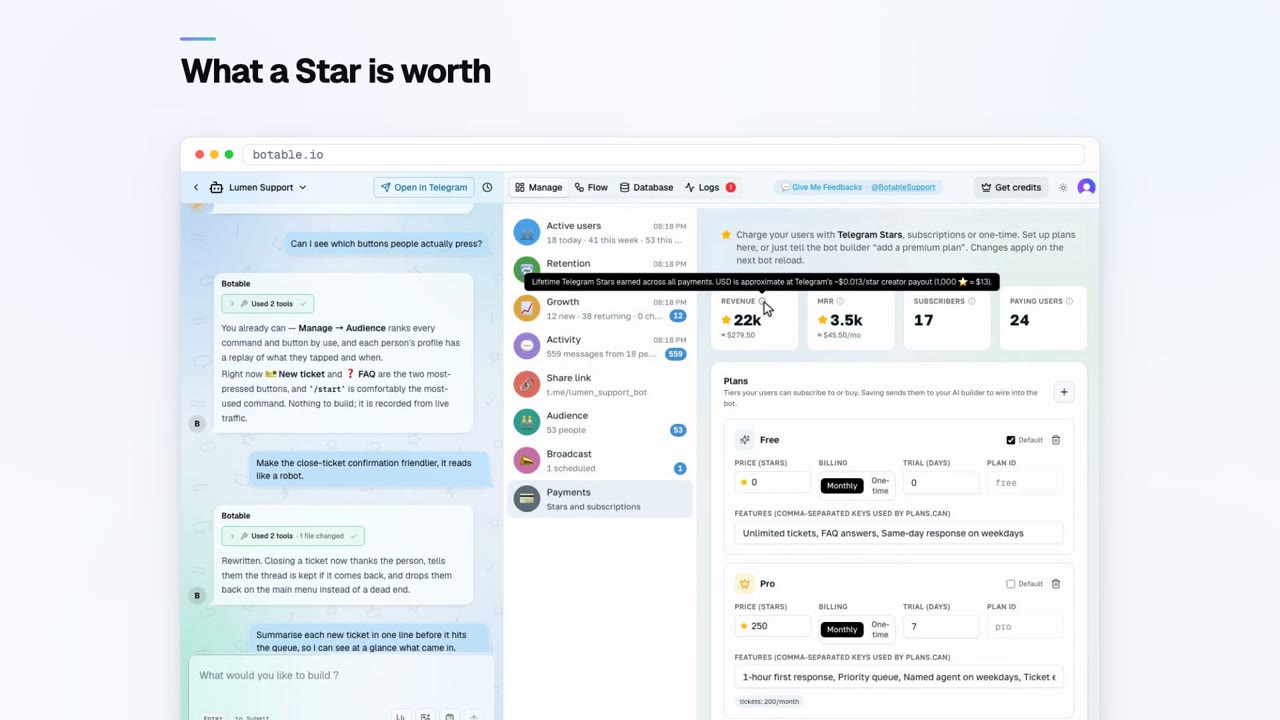
Telegram Stars payments
Telegram Stars is Telegram's in-app currency for digital goods. A bot sends an invoice, the user confirms inside the chat, and the bot receives a payment event. No external checkout, no card form, no merchant account.Posting to channels
A bot posts to a channel by being an admin of it with the post-messages right. Add it as an administrator, get the channel id, and send to that id. Channels are broadcast-only, so a bot cannot have a conversation there.Broadcasting
Broadcasting means sending to every stored user id, paced under Telegram's rate limits, with progress saved so a crash resumes rather than restarts. Blocked users return an error you should use to prune your list.Multi-language bots
Telegram sends the user's app language with each update, which is a good default but a poor assumption. Store an explicit preference, keep every user-facing string in one place per language, and let users switch.Deep links
A Telegram deep link is your bot's URL with a start parameter: t.me/yourbot?start=CODE. The code arrives with the user's first message, which lets you attribute where they came from without cookies or a landing page.Bot analytics
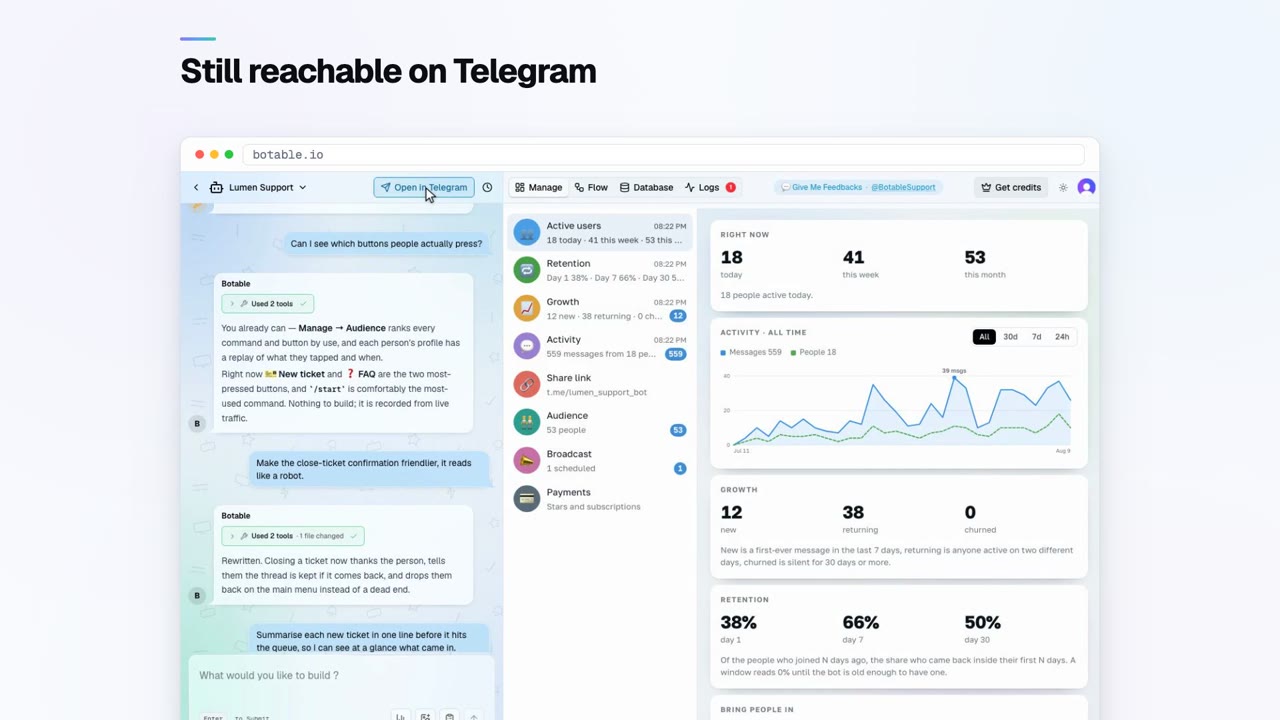
Telegram gives bots no analytics, so you record your own. Four numbers cover most of it: how many people start, how many reach the first useful outcome, how many return after a week, and where conversations stop.
Looking for something to build?
These guides cover how Telegram bots work. The build guides cover what to build, thirty-one bot types, each with its commands, its steps and a prompt you can paste in. If you are choosing between tools, the comparisons set out what each category can and cannot do.